Recognizable to the end
The prompt keeps the turning person’s face clearly theirs.
Turned, but still them
The zombie AI filter is a love story with grey skin. One of you slowly turns into a zombie, still plainly recognizable, and the other one does not run: they step in and hold on. Add two pictures, and know that whoever is in the first slot is the one who turns. 4 credits per take.
Your picture
A single picture works: just you, or the pair of you.
Effect
Zombie needs two people: add a partner picture, or switch to one shared shot.
Take
Price: 4 credits. Done in roughly 2 to 5 min; if it fails, the credits come back. See prices
The zombie AI filter, also called the AI zombie trend, is a short clip where one person gradually becomes a zombie but stays recognizable, and the other person hugs them instead of running away. On Hotel Lobby Video you add a picture of each person (the first picture turns; with one shared picture, the person on the left turns) and the Zombie effect films it on Seedance 2.0 Mini: 4 credits for 5 seconds at 720p, up to about 5 minutes by our provider’s estimate, with no blood or wounds and a refund if the take fails.
Last revised
The scene
Picture a deserted city street at dusk: fog rolling between abandoned cars, one street light flickering. The two of you face each other. The person from the first picture starts to change: skin fades toward a pale grey-green, the eyes cloud, the clothes become torn and dusty, yet the face is still theirs. The other person holds their gaze, and the two pull each other into a long hug.
The scene asks for no blood, no wounds and no gore, and for a slow film score with soft piano and wind instead of any speech. In a 5 second take we rendered ourselves, the change filled most of the clip and the hug arrived in the final second, so a longer take gives the hug more room.
Three moves
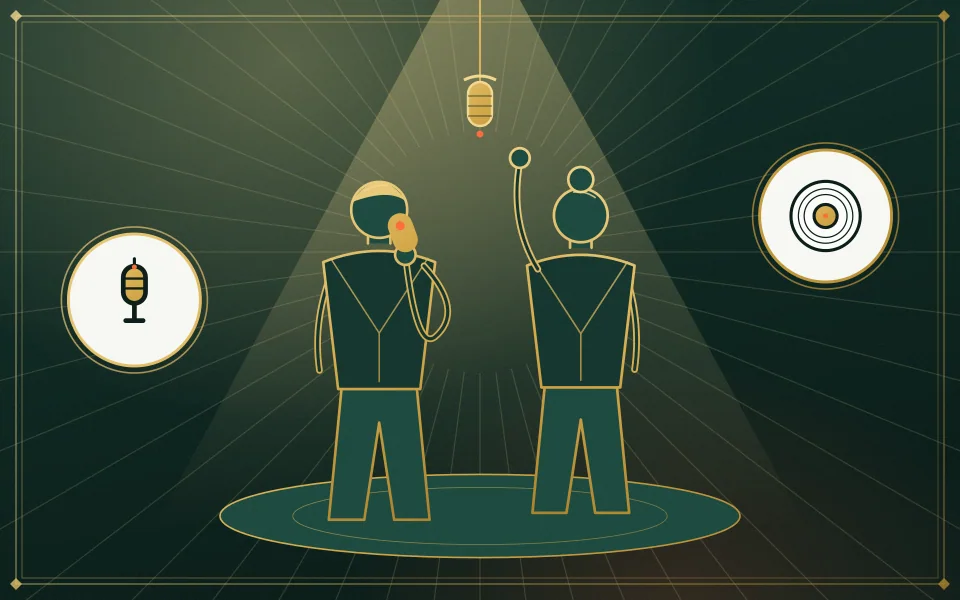
Chest up, faces clear. Put the person who turns in the first slot. With one shared picture, the person on the left turns.
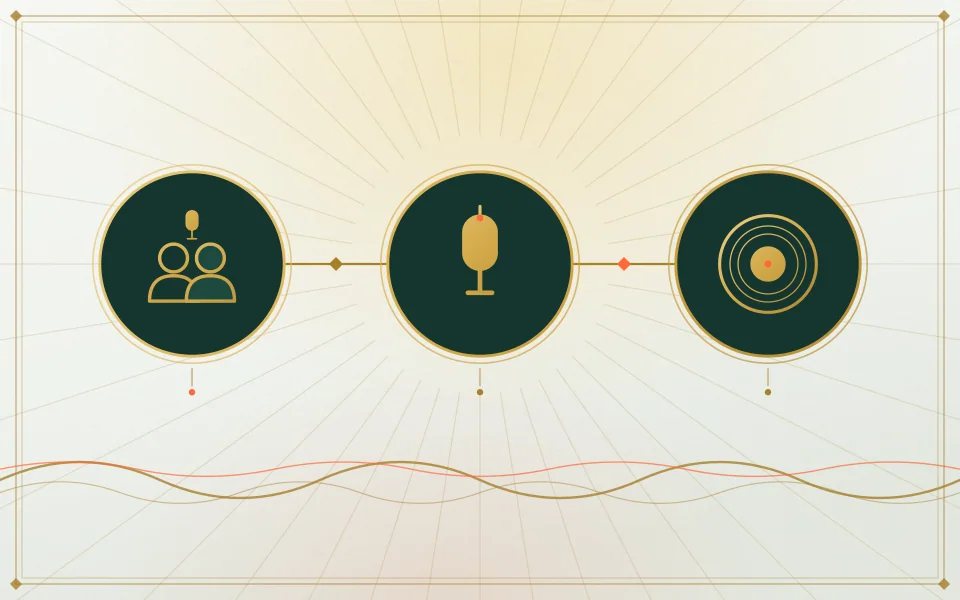
This page sets Seedance 2.0 Mini, 720p, 5 seconds and 9:16. Each option shows its price.
Expect up to about 5 minutes. Save the MP4 or reopen it from My videos.
Why it hits
The prompt keeps the turning person’s face clearly theirs.
The second person stays and holds on. No chase, no fight.
Grey skin, cloudy eyes and ragged clothes, with nothing gory on screen.
Slow piano and distant wind with no speech, ready to post as it is.
Want the hug without the horror? Try the hug video from two photos. For other October clips, there is the Raindance pier clip and the gas station golden-hour edit, and the rest are on photo to video effects.
Our own takes
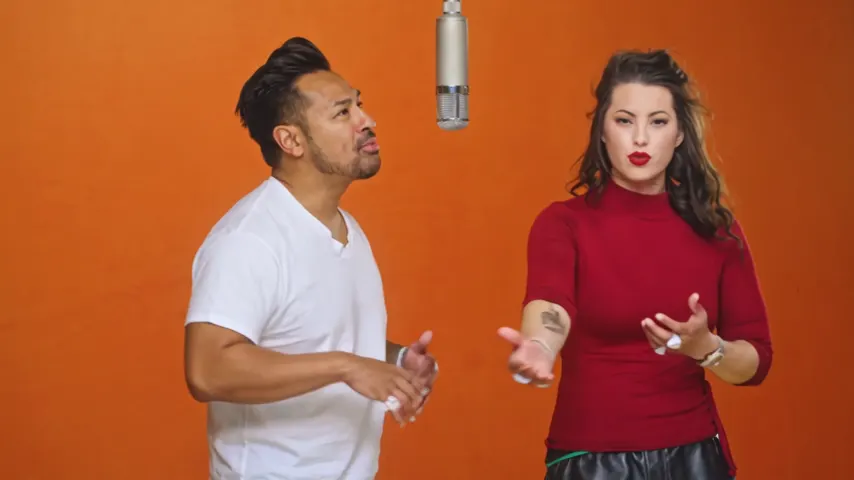
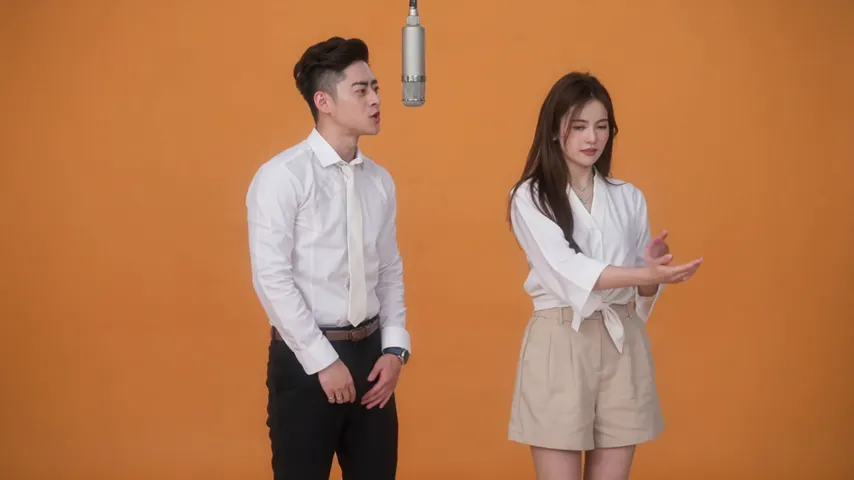
Two sample renders, with model, length and source shown under each. They demonstrate the workflow, not a promise about how often a take succeeds.
Wan 3.0 · 480p · 10 s · 16:9
Wan 3.0 · 720p · 12 s · 16:9
Around the web
These clips show the format. Other people made them with other tools, and each one is credited and linked to its post. They are not output from Hotel Lobby Video.
Yes, if he is in on the joke. Add his picture in the first slot and yours in the second: he turns, you hug him. Show him before you post.
The first picture is the person who changes. The second picture is the person who stays and gives the hug.
The person standing on the left in that picture becomes the zombie.
No. The scene needs two people. For a solo clip, the Raindance pier clip works from one picture.
It is moody rather than graphic. The scene rules out blood, wounds and gore, and every take also passes the video provider’s NSFW check.
4 credits for 5 seconds at 720p, no subscription. You pay in credits at the moment you press create. The entry pack is 10 credits for $9.99, and a take that fails puts its credits back in your balance by itself.
No. Only people who gave permission, never strangers, celebrities or public figures.
Still yours
Two pictures, one slow turn, one hug. The cost is on the button before you create.