A cozy haunted living room
Carved pumpkins, candles, cobwebs and orange fairy lights after dark.
Jack-o’-lanterns and a quick change
A Halloween AI video starts you off at a candle-lit house party in normal clothes, then a swirl of sparkles leaves you in a costume: maybe a vampire cape, maybe a witch hat, maybe a skeleton suit. Add your picture, or a picture of each person for a couple or two roommates, and the studio films the change for 4 credits.
Your picture
A single picture works: just you, or the pair of you.
Effect
Take
Price: 4 credits. Done in roughly 2 to 5 min; if it fails, the credits come back. See prices
A Halloween AI video on Hotel Lobby Video turns a picture into a short party clip: you stand among carved pumpkins and string lights, orange and violet sparkles spin around you, and your everyday clothes become a homemade-style costume such as a vampire cape or a witch dress with a pointed hat. Add one picture, or one per person, and the Halloween Costume effect renders it on Seedance 2.0 Mini for 4 credits per 5 second take at 720p, ready in up to about 5 minutes by our provider’s estimate, inside your phone browser, with a refund if the take fails. The AI chooses the costume; you cannot request one, and characters from films, games and brands are excluded.
Last revised
The party
The set is a living room on Halloween night: glowing jack-o’-lanterns, flickering candles, fake cobwebs, warm orange string lights. You start in the clothes from your picture, smiling at the camera. A ribbon of orange and violet sparkles wraps around you, and when it clears you are in costume. You glance down, laugh, and land a playful, spooky pose.
When we rendered two AI-made adults ourselves, the costumes appeared roughly two seconds in: he got a black vampire cape lined in red, she got a black witch dress and a pointed hat. Her long curls, his short beard and both faces stayed as they were. Halloween 2026 falls on Saturday 31 October, so a clip made now is ready for the invite or the family chat.
Three moves
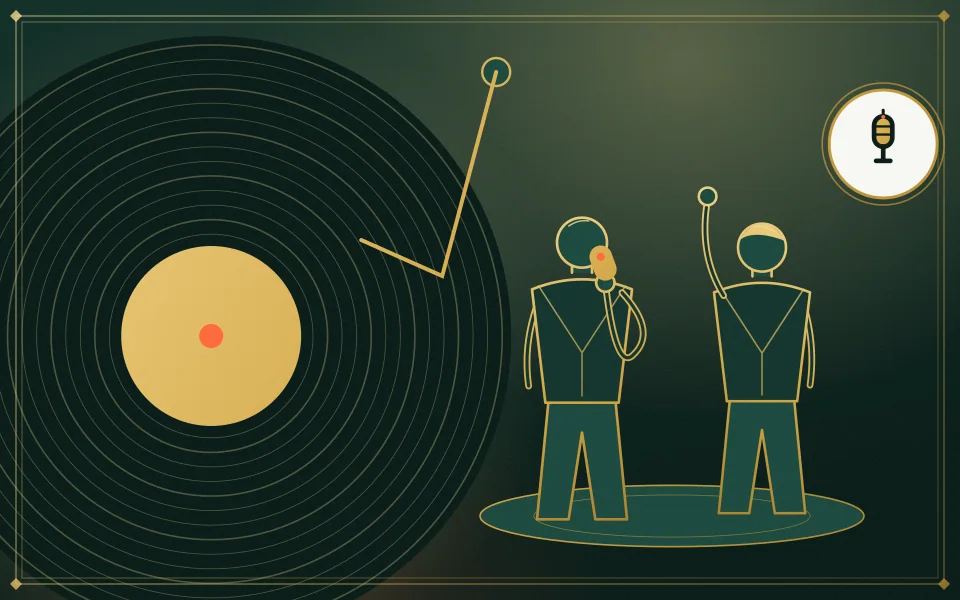
From the waist up or full length, face clear. One person, or two with a picture each or one shared picture.
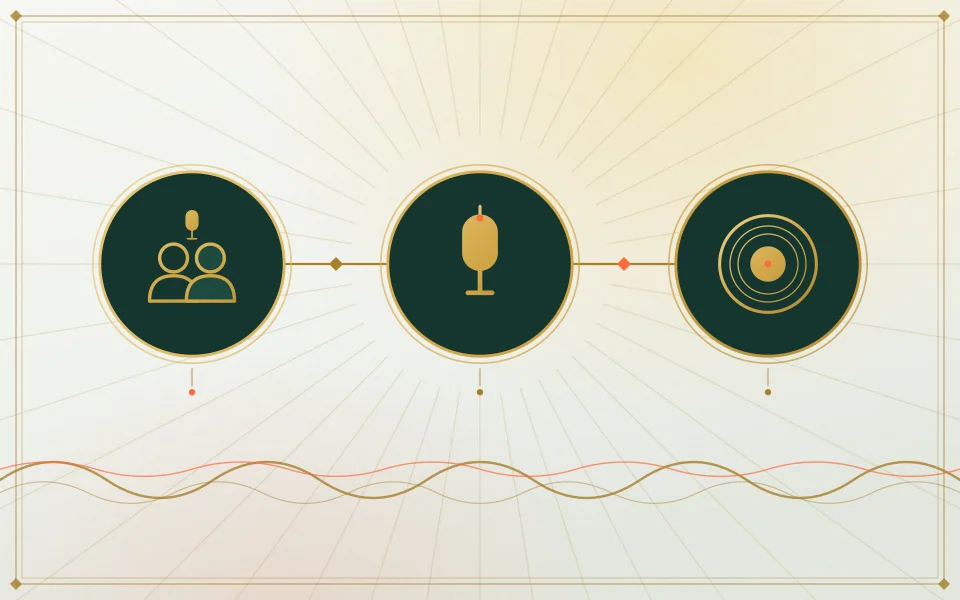
The studio opens at 5 seconds, 720p, vertical, on Seedance 2.0 Mini. Any change shows its new price first.
Our provider estimates up to about 5 minutes. Post the MP4 as it is, or swap in a Halloween sound on TikTok or Instagram.
In the clip
Carved pumpkins, candles, cobwebs and orange fairy lights after dark.
Orange and violet sparkles spin past, and your clothes become a homemade-style costume.
The studio keeps your face and haircut from the picture. Only the clothes change.
Organ and plucked bass, written for the clip, no vocals.
No, and that is part of the fun. The scene asks for simple homemade-style looks such as a vampire cape, a witch dress with a pointed hat, a skeleton suit or a pumpkin outfit, and it rules out characters from films, shows, games and brands. There is no field for a costume name. When we rendered two people, each got a different costume.
Every new take is a new pick and costs credits again. Failed takes are refunded automatically; a finished take with a costume you do not love is not.
Want something darker? In the zombie hug filter one of you turns and the other hugs anyway. For a laugh there is the bald filter prank, and for a throwback the 80s camcorder video. Every scene is listed on photo to video effects.
Our own takes
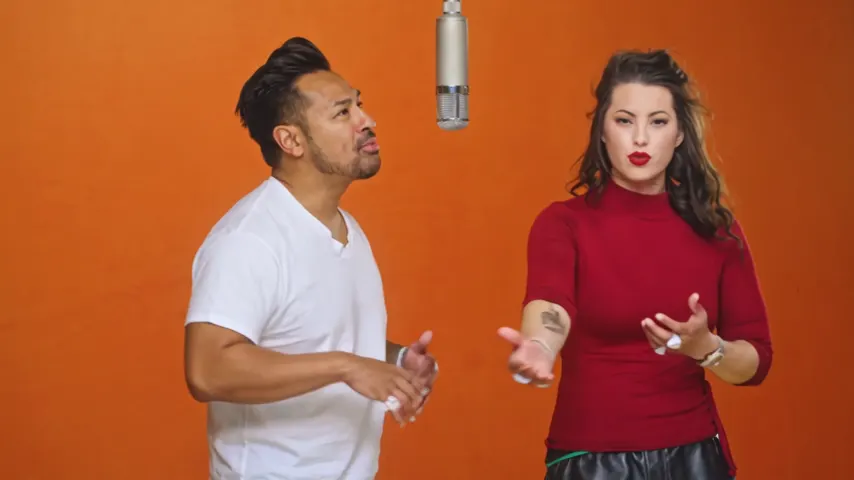
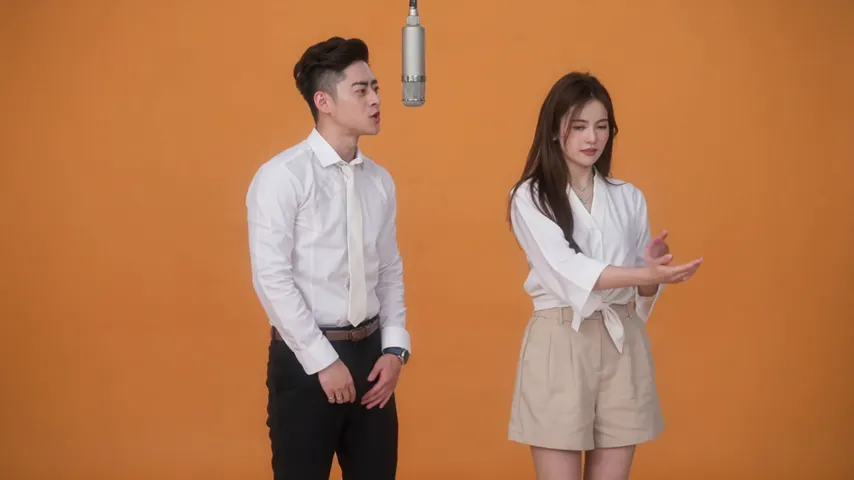
Two sample renders, with model, length and source shown under each. They demonstrate the workflow, not a promise about how often a take succeeds.
Wan 3.0 · 480p · 10 s · 16:9
Wan 3.0 · 720p · 12 s · 16:9
Around the web
These clips show the format. Other people made them with other tools, and each one is credited and linked to its post. They are not output from Hotel Lobby Video.
Yes. Add a clear picture of yourself and press create. You get a short clip of you at a Halloween party as your clothes swirl into a costume, with your own face.
No. The AI picks a generic homemade-style costume, such as a vampire, a witch, a skeleton or a pumpkin. Film, show, game and brand characters are ruled out.
Yes. Add one picture of each of you, or one of you together, and you both change at the same party. It works in Safari with nothing to install; a 5 second take at 720p is 4 credits, and the smallest pack is 10 credits for $9.99, no subscription.
Treat it as a playful reveal: the AI picks a classic look and you see it on yourself, moving. It cannot preview a costume you plan to buy.
Untested. The scene is written for people, so a pet picture may not get a costume. For animals, the pet rap video is the one we have tested with a dog.
There is an original spooky beat with no vocals. If you want a trending Halloween sound, add it in TikTok or Instagram and lower the clip’s audio.
It is playful, not gory, and every take also passes the video provider’s NSFW check. Our own test used two adults; we have not tested children’s pictures with this effect.
4 credits for 5 seconds at 720p; longer takes cost more. You pay in credits at the moment you press create. The entry pack is 10 credits for $9.99, and a take that fails puts its credits back in your balance by itself.
Our provider estimates up to about 5 minutes. The MP4 waits in My videos if you close the tab.
Costume on
One picture, a pumpkin-lit party and a costume you did not see coming. The cost is on the button before you create.