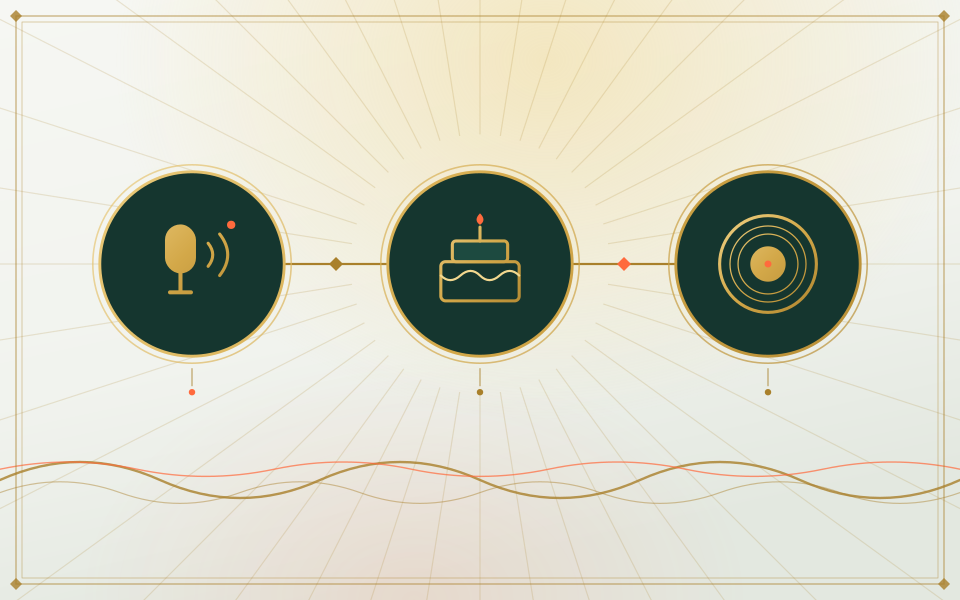
A birthday shout-out
Record ten seconds of a silly birthday verse on your phone, then cast the birthday girl and yourself to perform it.
Your audio, our set
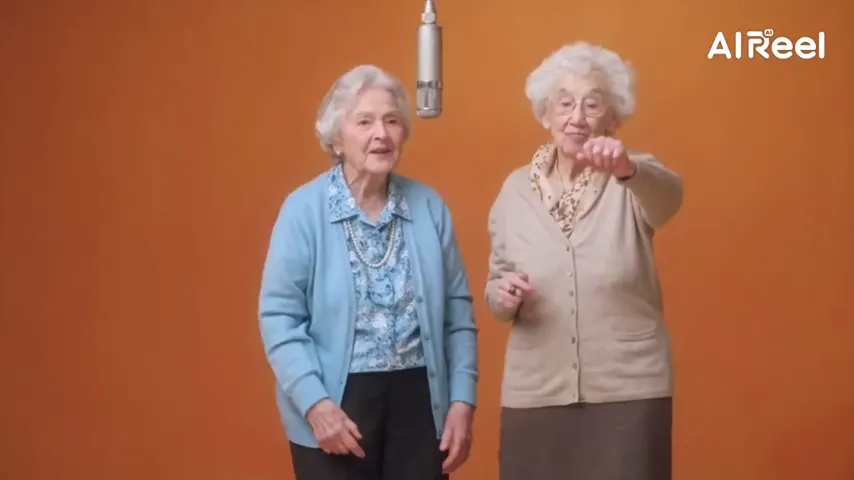
Hotel Lobby AI with your own song keeps the orange set and the single mic but changes the words. Upload two portraits plus a short clip of your track, a voice memo or a toast, and the lead mouths it while the backup reacts.
Your two faces
A single face per picture. Left leads, right backs up.
Set
Take and sound
Price: 6 credits. Done in roughly 5 to 15 min; if it fails, the credits come back. See prices
Under the hood
Think of a take as three inputs. The portraits decide who is on the set. A reference performance decides the room, the camera and the choreography. A reference track decides what the front voice is lip-syncing. Unless you change it, that track is the Hotel Lobby audio.
Upload your own file and only the track changes. The lead performs your words into the mic while the sidekick bounces and reacts, still on the orange wall. Drag the slider to choose where your clip begins; the browser trims it to the take length, 15 seconds at most, before anything is sent.
You can stack this with your own dance video too: the clip sets the moves, your audio sets the mouth. Only upload audio you are allowed to use.
Session plan
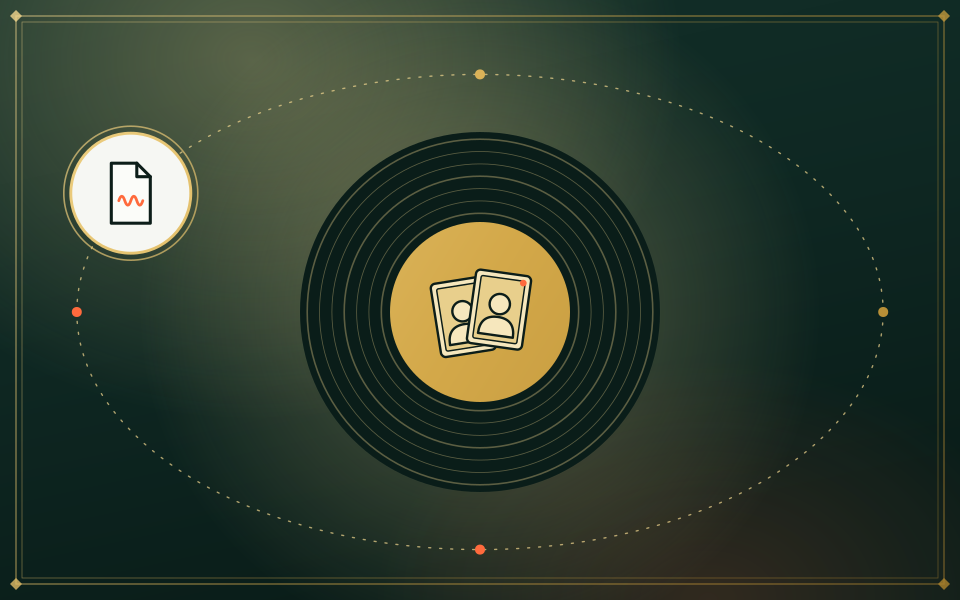
One clear portrait each. The left face is the front voice who performs your audio; the right face is the sidekick.

Under Soundtrack & moves, choose Your song and add the file. If it is longer than the take, drag to the section you want to hear.

6 credits for a standard 12-second take, whichever audio you use. Watch it and download; if the take fails, the credits are returned.
Casting ideas
Record ten seconds of a silly birthday verse on your phone, then cast the birthday girl and yourself to perform it.

Tease a release in the trend’s format: the chorus as the audio, two band members as the portraits.
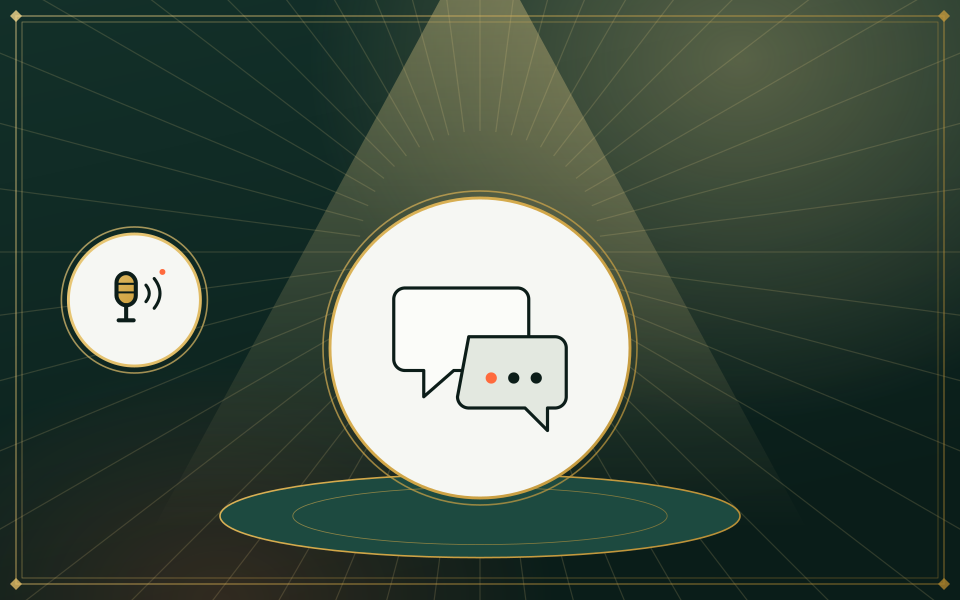
That voice memo everyone still quotes, delivered like a COLORS session. Short, clearly spoken memos sync best.
Write a verse roasting your roommate, record it over any beat, and let the front voice deliver it.
| Works | Does not work |
|---|---|
| The front voice performing your song, rap or memo | Both faces singing your upload (AI rap with Both rap covers that) |
| Up to 15 seconds, the size of a TikTok or Reels clip | A full-length music video |
| Following your recording’s words and timing | Cloning a famous voice, or a perfect copy of your file |
| Wan 3.0, on the Hotel Lobby set or with your own dance clip | Cleaning up noisy recordings; clear vocals sync best |
Would rather have a verse written for you? The AI rap generator writes an original rap on your subject with a Seedance model.
Our own takes
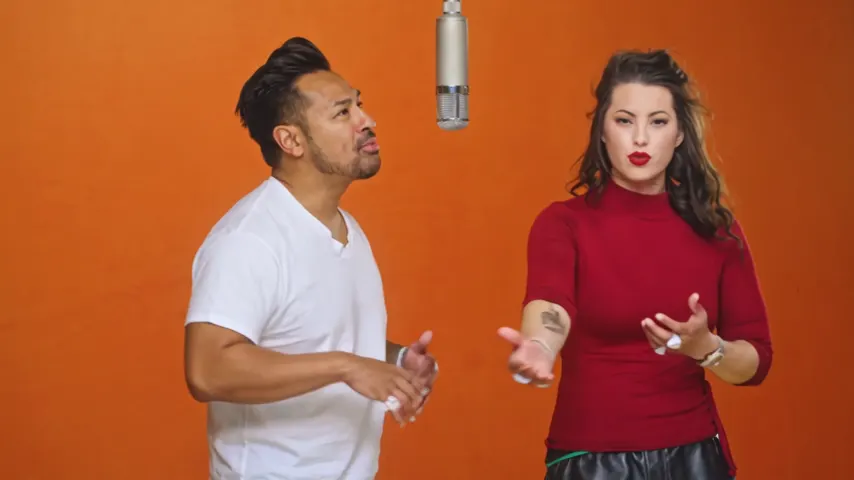
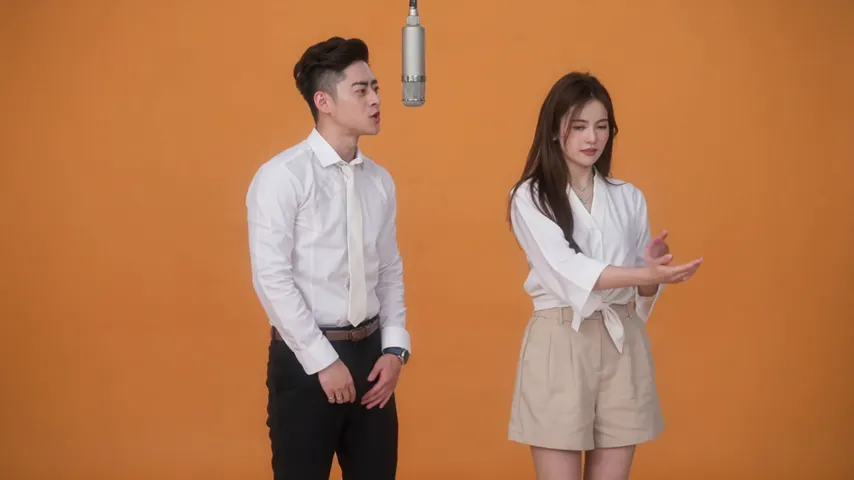
Two sample renders, with model, length and source shown under each. They demonstrate the workflow, not a promise about how often a take succeeds.
Wan 3.0 · 480p · 10 s · 16:9
Wan 3.0 · 720p · 12 s · 16:9
Around the web
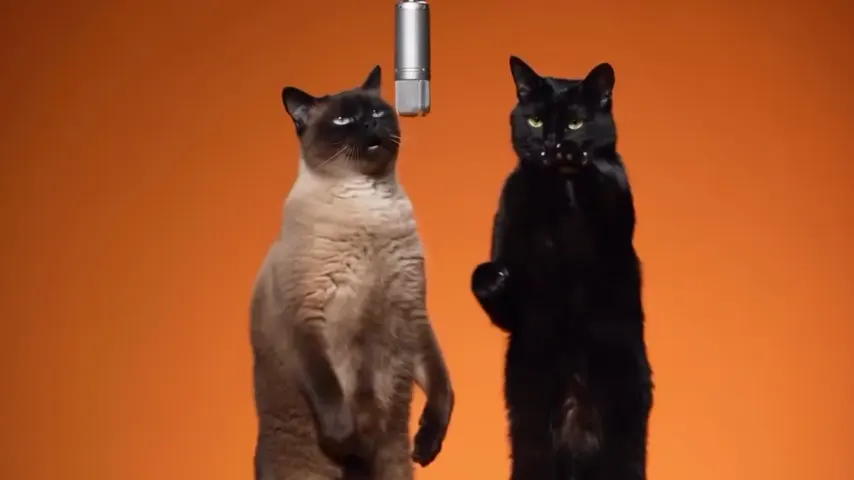
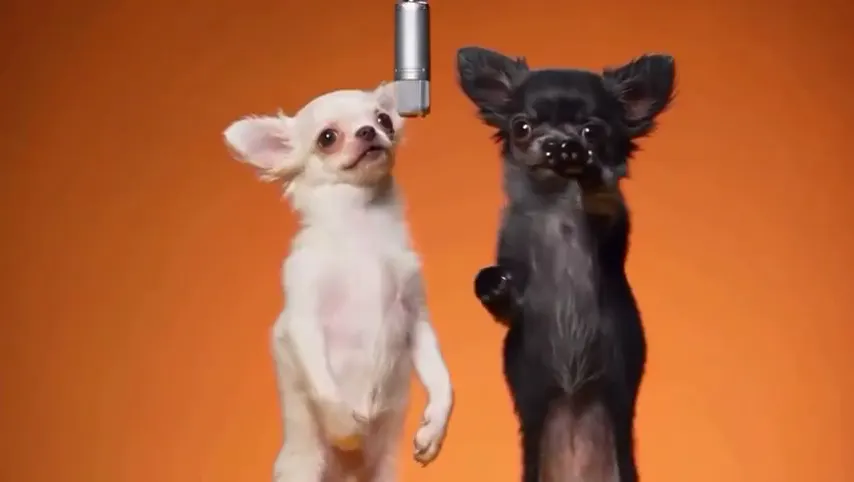
These clips show the format. Other people made them with other tools, and each one is credited and linked to its post. They are not output from Hotel Lobby Video.
MP3, WAV, M4A (what most phones save voice memos as), AAC or OGG. MP3 goes up untouched; the others are converted in your browser. The take uses 2 to 15 seconds, starting wherever you set the slider.
Yes. Upload the memo under Your song, add a portrait of each of you, and create. Audio never adds to the price: on Wan 3.0 at 480p it is 3, 4, 5, 6 or 7 credits for 5, 8, 10, 12 or 15 seconds.
The left face mouths your audio at the mic. The right face points, laughs and dances on the beat, the way the original routine goes.
No. Only the front voice lip-syncs an uploaded track. For two people trading lines, use AI rap with Both rap on a Seedance model, or make two takes with the portraits swapped and edit them together: two people, one song.
Only if you hold the rights to that recording. For a post with the official sound, add the licensed version inside TikTok, Reels or CapCut when you publish.
No. Every take is paid in credits, and your own audio costs the same as the stock track: 6 credits for 12 seconds. The smallest pack is 10 credits for $9.99, and failed takes are refunded.
Yes. Choose a Seedance model under Video, set the sound to AI rap and type what it should be about (up to 120 characters). The model writes an original verse and beat; it ignores any upload and is instructed not to copy an existing song.
Yes. The file can be any length; your browser cuts out just the 2 to 15 seconds you select, so the upload stays small.
Use a clear vocal with little background noise, and start the selection on a word, not on silence. Rapping and plain speech both work.
Your track, our set
Two portraits and one short audio clip. The same price as the stock track.