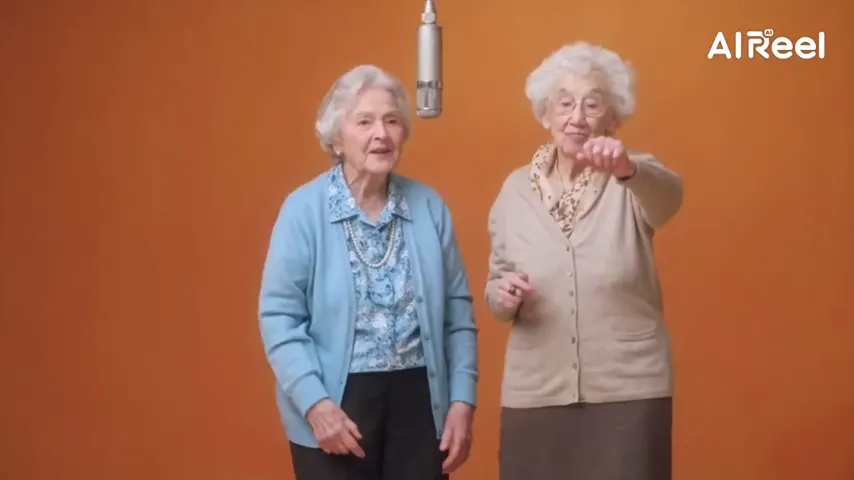
A grandchild’s hug
Memorial Hug joins two separate portraits, even decades apart, in one embrace.
Short clips for a longer goodbye
Make a few quiet moments from the photos already in your family album: their portrait softly smiling, or the two of you sharing a hug at sunset. Then place the clips between your favorite pictures.
Your picture
A single picture works: just you, or the pair of you.
Effect
Memorial Hug needs two people: add a partner picture, or switch to one shared shot.
Take
Price: 4 credits. Done in roughly 2 to 5 min; if it fails, the credits come back. See prices
An AI tribute video for a loved one is a set of short, gentle clips made from their photos and placed into a memorial slideshow. On Hotel Lobby Video you make each clip with one of two effects on Seedance 2.0 Mini: Bring to Life animates a single portrait with a blink, a breath and a soft smile in its original background, and Memorial Hug turns their photo and yours into an imagined embrace in a golden field with soft piano. Each 5 second clip at 720p costs 4 credits, the provider estimates up to about 5 minutes, and failed clips are refunded. This site makes the clips; you join them with photos and music in any video editor.
Last revised
How families use it
A tribute is usually shown at a funeral, a celebration of life or a family dinner on an anniversary. Most of it is still photos and a song. A handful of moving moments, placed at the start, the middle and the end, can make the whole thing feel more alive without taking it over.
Two effects do the work. Bring to Life needs only their photo: they stay in the room where the picture was taken and simply blink, breathe, smile and turn a little, with the camera still. Memorial Hug needs their photo and one of a family member: the two meet in a hazy field at golden hour and hold each other, then smile toward the lens. Both come with quiet music and no speech, and neither needs a prompt.
One honest reminder: every motion is invented by the AI. The clips show a feeling, not a memory.
Three steps

Their clearest portraits, face large and forward, plus a recent photo of each relative who wants a hug clip.
Memorial Hug is on by default. For a portrait of them alone, switch to Bring to Life. The credit cost updates as you change settings.
Each clip takes about up to about 5 minutes by the provider’s estimate. Download the MP4s and arrange them with photos and a song.
Two building blocks
Memorial Hug joins two separate portraits, even decades apart, in one embrace.
Bring to Life keeps the original backdrop and moves only the person.
Soft piano and no speech, easy to turn down under the song you choose.
16:9, 9:16, 1:1, 4:3, 3:4 or 21:9 at one price: wide for the chapel screen, tall for the family group chat.
There is no slideshow builder here; the free editor already on your phone or computer is enough. A plan many families can follow:
Untested by us: faded, damaged or black-and-white prints; our demos used sharp, recent photos, and nothing here repairs or colorizes a photo. Failed clips are refunded, finished clips that do not feel right are not. Uploaded photos are deleted after 7 days; videos stay in My videos.
Before a clip is played at a service, let the closest family watch it privately. Some relatives find these moments healing; others need more time, or prefer no AI at all, and that wish deserves respect. Only use photos from your own family or shared with the family’s blessing, never strangers or public figures, and tell viewers the moving moments are AI-made.
Deeper guides to each effect: the memorial hug video and old photo to video.
Our own takes
Two sample renders, with model, length and source shown under each. They demonstrate the workflow, not a promise about how often a take succeeds.
Wan 3.0 · 480p · 10 s · 16:9
Wan 3.0 · 720p · 12 s · 16:9
Around the web
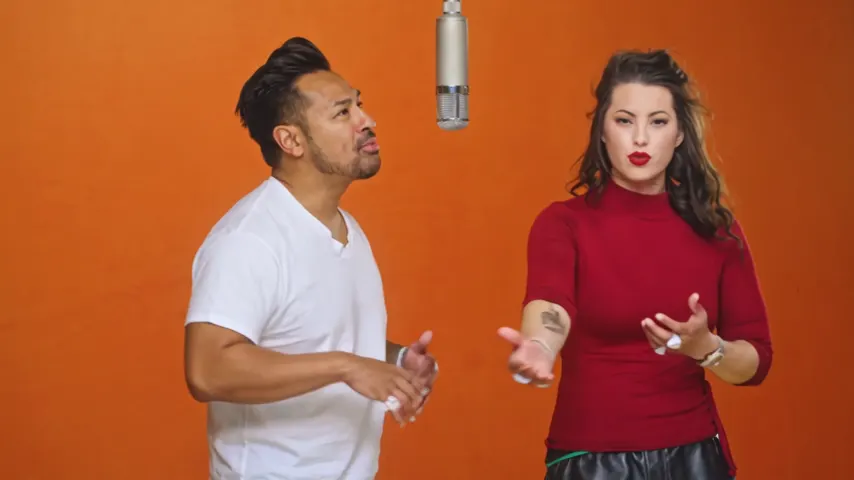
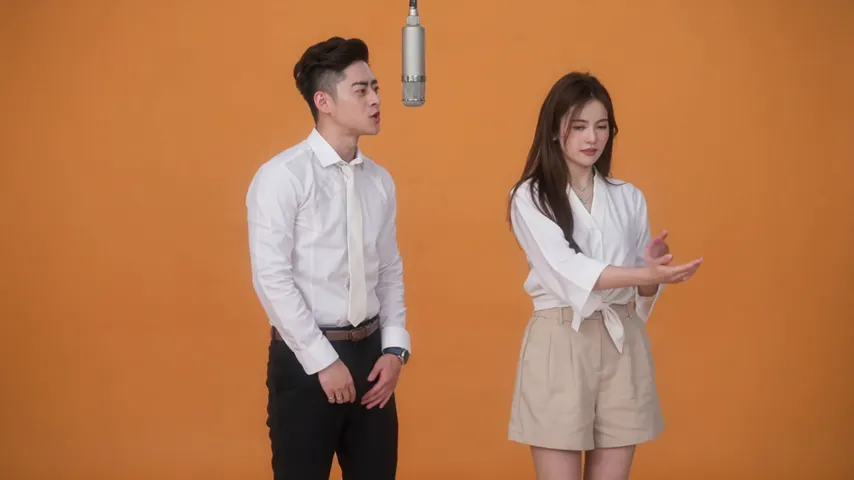
These clips show the format. Other people made them with other tools, and each one is credited and linked to its post. They are not output from Hotel Lobby Video.
Make a few short clips here, Bring to Life for their portrait and Memorial Hug for a hug with a relative, then join them with still photos and a song in any video editor.
Usually, yes. The provider estimates up to about 5 minutes per clip, so the clips themselves can be done in an evening. Leave time for family to watch them before the day.
There is no rule. Many slideshows work well with three to five moving moments among the photos; more can start to feel like the AI is the focus.
Yes. Make one Memorial Hug clip per grandchild, each with their own portrait next to the same photo of your loved one. Each clip is charged separately.
No. This site makes individual clips with their own soft piano. The song and the order of photos are added in your editor.
Not here. There is no restoration tool, and damaged prints are untested. Use the cleanest copy you can find.
Each 5 second clip at 720p is 4 credits, so the total depends on how many clips you make and how long they are. You pay in credits at the moment you press create. The entry pack is 10 credits for $9.99, and a take that fails puts its credits back in your balance by itself.
No. The face follows your photo; the motion is imagined. It does not replace real recordings, and choosing not to use it is completely fine.
With care
Start with one portrait. It runs in your phone’s browser, and the credit cost is shown before you tap Create.