Steps and rhythm
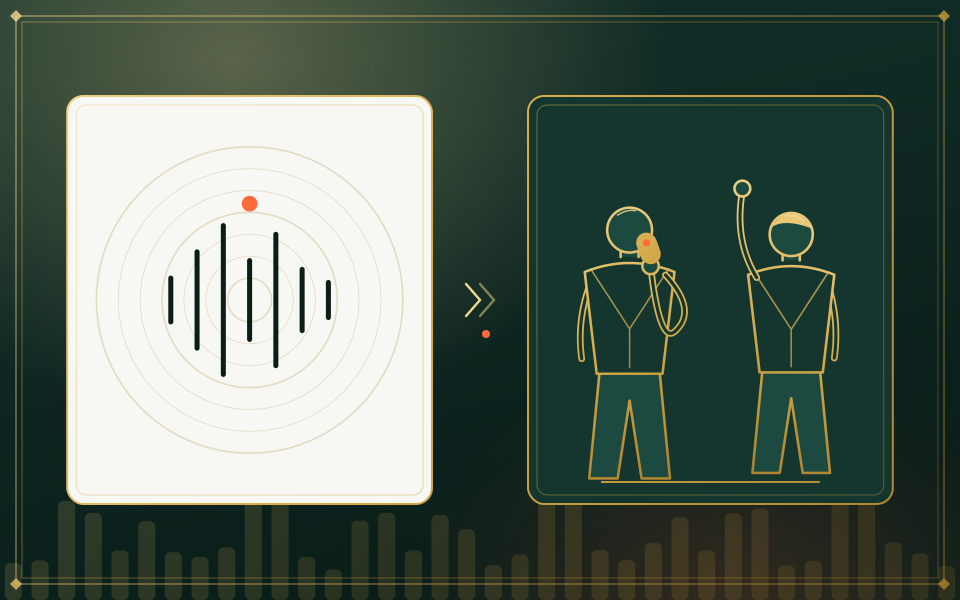
Footwork, arm movements, head turns and the tempo all come from your clip.
Your choreography, their faces
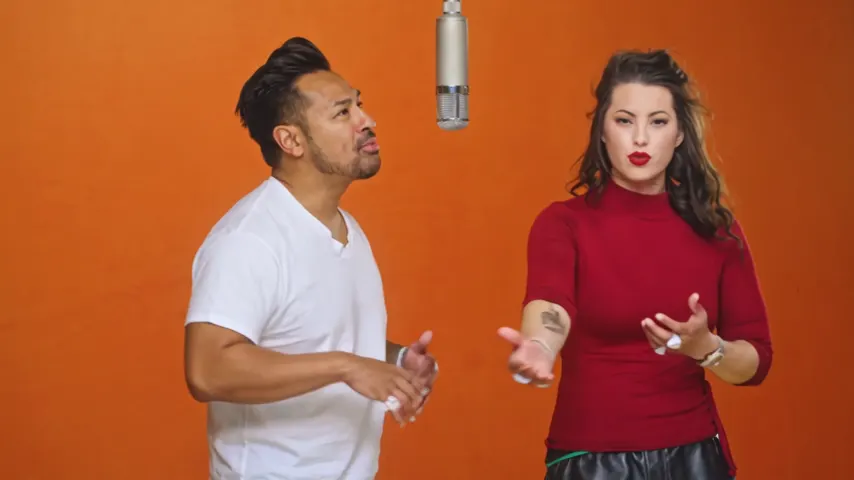
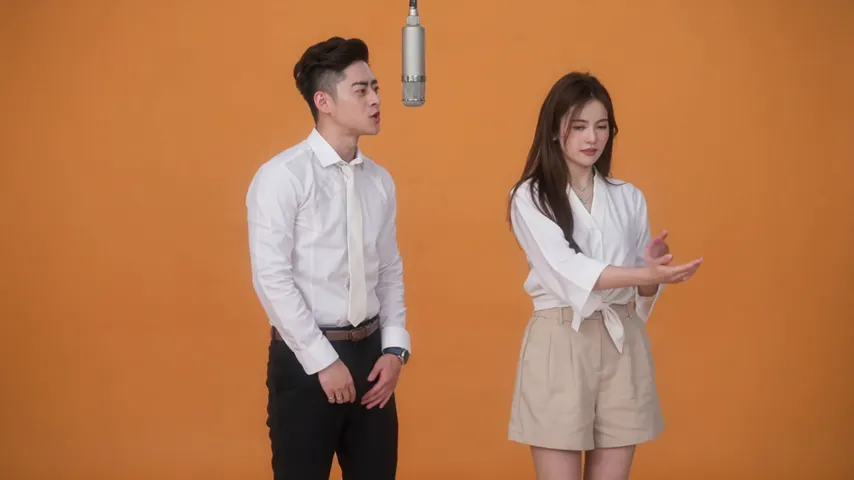
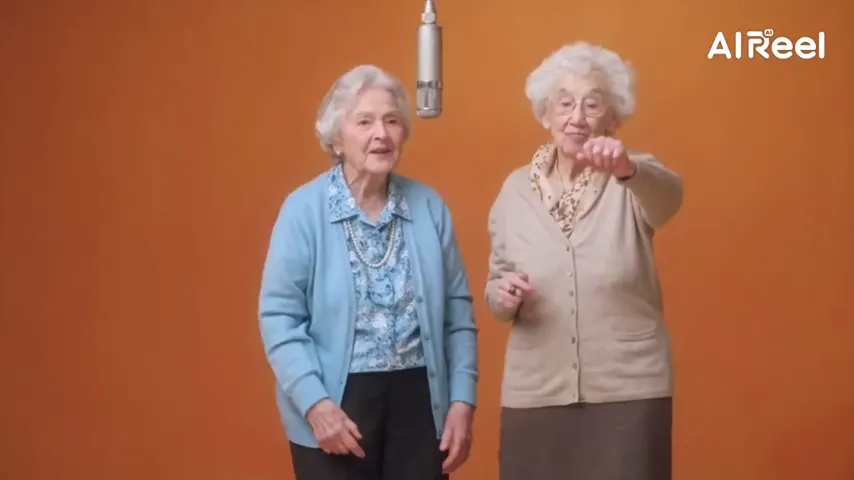
Hotel Lobby AI with your own dance video lets you replace the stock routine with steps you filmed. Upload the clip and the two people in your portraits repeat its moves, gestures and camera on the orange set, over the original Hotel Lobby song, your own audio or the clip’s sound.
Your two faces
A single face per picture. Left leads, right backs up.
Set
Take and sound
Price: 6 credits. Done in roughly 5 to 15 min; if it fails, the credits come back. See prices
Yes. Hotel Lobby Video (hotel-lobby-video.app) accepts your own dance video as the source of the moves. Upload two portraits, pick Your clip under Soundtrack & moves and add 2 to 15 seconds of footage. Your two people take over its steps, gestures and camera work on the orange set, while the dancers and background in the clip are replaced. In our paid test on October 6, 2026 both people kept their faces and outfits and matched a two-dancer clip step for step. On Wan 3.0 at 480p, 10 seconds costs 5 credits; packs start at 10 credits for $9.99, with no subscription and no free preview.
Last revised
Under the hood
Best results come from a clip of two people side by side, full body, in front of a camera that does not move. The left performer in your take follows the first dancer, the right performer follows the second. Cuts, zooms and pans get copied along with the steps.
The studio on this page starts with Your clip already chosen. Upload an MP4 or MOV straight from your phone; the take uses 2 to 15 seconds, and you slide an orange frame across the clip to choose which part. Big phone files are shrunk to roughly 720p in your browser while you keep going. The final take runs exactly as long as the section you chose.
Tools in this trend get their choreography from one of three places: the original routine as a fixed template, a written prompt, or a video you supply (some sites call this Motion Copy or motion transfer). Hotel Lobby Video uses the stock routine by default and switches to your footage when you pick Your clip.
On October 6, 2026 we paid for one take: Wan 3.0, 480p, 9:16, 5 seconds, full-length portraits of a woman and a man, and a 5-second clip of two other people dancing. Both people kept the faces and clothes from their portraits, every step, crouch and spin tracked the clip, the dance studio turned into the orange set with its single mic, and the Hotel Lobby song played underneath. One test is not a promise: clips with a single dancer, longer clips and higher resolutions remain untested.
Session plan
When you supply a clip, your portraits are not redrawn first, so head-to-toe shots of both people give the model the most to work from.
Your clip is preselected under Soundtrack & moves. Upload the video and slide the orange frame to the section you want; every length shows its credit cost.
The Hotel Lobby track is on by default; switch to Your song or the clip’s own sound if you like. Create, then save the MP4, which has no watermark.
Who controls what
Footwork, arm movements, head turns and the tempo all come from your clip.
Any zoom, pan or cut in the footage is copied, so a phone propped on a shelf gives you a calm, steady take.
The people come from your portraits and the room is the orange set. The background of your clip never appears.
On Wan 3.0 your footage drives the Hotel Lobby set and the other stages; on the Seedance models it is paired with an AI rap.
| Section of the clip used | Wan 3.0 480p | Wan 3.0 720p |
|---|---|---|
| Up to 5 seconds | 3 credits | 4 credits |
| Around 10 seconds | 5 credits | 8 credits |
| Around 15 seconds | 7 credits | 12 credits |
Neither the soundtrack nor the stage affects these numbers. Filming tips and every clip rule are in the reference video guide.
Our own takes
Two sample renders, with model, length and source shown under each. They demonstrate the workflow, not a promise about how often a take succeeds.
Wan 3.0 · 480p · 10 s · 16:9
Wan 3.0 · 720p · 12 s · 16:9
Around the web
These clips show the format. Other people made them with other tools, and each one is credited and linked to its post. They are not output from Hotel Lobby Video.
On Hotel Lobby Video (hotel-lobby-video.app). Your clip under Soundtrack & moves is already selected on this page; add 2 to 15 seconds of footage and the people from your portraits copy it.
No. Only the movement and camera carry over. The room becomes the orange set and the people come from your portraits.
The left performer would follow you, but the right performer would have no one to copy. We have not tested single-dancer clips, so film two people if you can.
MP4 or MOV, as your phone records them, at normal speed. Slow-motion footage will not work. Very large or high-frame-rate files are converted in your browser.
In our test they did not: faces and outfits came from the portraits. Faces from a clip can still leak into some takes, so use footage of people who agreed.
The file can be any length. The take uses 2 to 15 seconds of it, whichever part you place the frame over.
No. It costs the same as any take of that length: 5 credits for 10 seconds on Wan 3.0 at 480p. A section that falls between two lengths is charged at the longer one. There is no free preview.
Only footage you shot yourself or have permission to use.
Yes, no app needed. A Wan 3.0 take is usually ready in about 5 to 15 minutes; close the tab if you want and pick it up later in My videos.
Your steps, their faces
Two portraits plus one short clip, priced by length like every other take.