A neon studio
Glowing light strips and a glossy floor that mirrors every color.
Neon floor, whole body
A photo dance video makes a still picture move: you hit a quick, bouncy routine on a neon-lit studio floor, from head to sneakers, in whatever you wore in the picture, to a beat made for the clip. Add one picture, or one per person for a duo. 4 credits a take.
Your picture
A single picture works: just you, or the pair of you.
Effect
Take
Price: 4 credits. Done in roughly 2 to 5 min; if it fails, the credits come back. See prices
To make a photo dance video on Hotel Lobby Video, upload a clear picture (or a picture of each person, or one with both), keep the Dance effect and press create. Seedance 2.0 Mini films you dancing in a neon studio, full body and in your own clothes, with bouncy steps, arm swings, a quick spin and a final pose, set to an original track. It works in your phone browser with no app and no prompt: 5 seconds at 720p for 4 credits, ready in up to about 5 minutes by our provider’s estimate, with a refund if the take fails. The choreography belongs to the effect, so it does not copy any particular TikTok challenge.
Last revised
The routine
You are on a shiny floor in a studio at night, neon strips glowing along the walls and their colors bouncing off the ground. The camera sits back far enough to keep you whole. On the beat you bounce, swing your arms, spin once and finish with a sharp pose and a big grin at the lens, still dressed exactly as in your picture.
We rendered two AI-made adults ourselves: a woman in an orange track jacket and a man in a white tee. Both stayed fully in frame from start to finish, kept their clothes, and her ponytail flew out on the spin. Both came from full-length pictures, which is our main tip.
Three moves
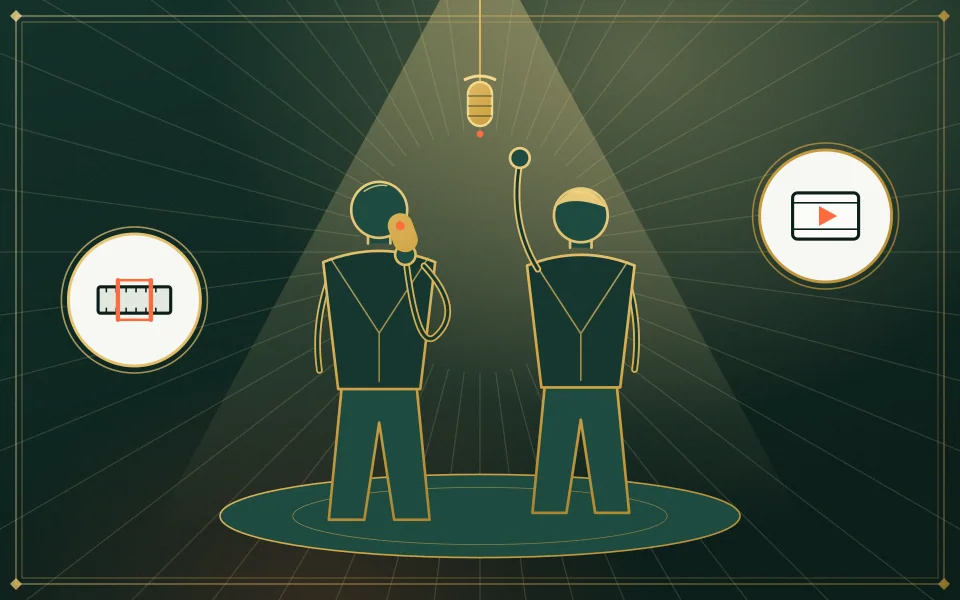
Shoes in frame if you can, face clear. A duo adds a picture each or one shared picture.
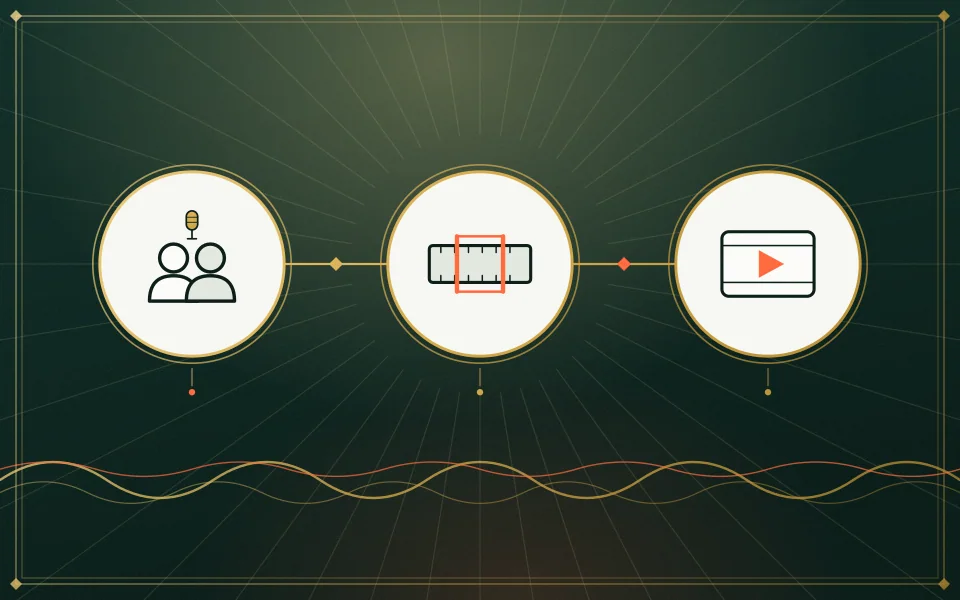
The studio opens at 5 seconds, 720p, vertical, on Seedance 2.0 Mini. Any change shows its new price first.
Our provider estimates up to about 5 minutes. Post the MP4, or pair it with a trending sound in TikTok or Instagram.
On the floor
Glowing light strips and a glossy floor that mirrors every color.
Bounce, arm swings, a spin and a closing pose, all in a few seconds.
The camera keeps your whole body in view, in the outfit from your picture.
An original song with a punchy kick drum and bright synths, no vocals.
Your clip already has its own original track, so it plays fine as it is. To join a trend, upload the MP4 to TikTok or Instagram Reels, choose the trending sound from the library and lower the clip’s audio. The steps come from the effect itself, so they will not match a specific challenge move for move.
Want two faces to copy moves you filmed yourself? The rap tab accepts a short clip as the choreography, on the orange set or another stage. Here is how to use your own dance clip.
Our own takes
Two sample renders, with model, length and source shown under each. They demonstrate the workflow, not a promise about how often a take succeeds.
Wan 3.0 · 480p · 10 s · 16:9
Wan 3.0 · 720p · 12 s · 16:9
Around the web
These clips show the format. Other people made them with other tools, and each one is credited and linked to its post. They are not output from Hotel Lobby Video.
Upload a clear, full-length picture, keep Dance selected and press create. You get a short MP4 of you dancing in a neon studio.
Yes. Add a picture of each of you, or one picture of you together, and you dance next to each other. It works for couples, friends and parents with grown-up kids.
No. A 5 second take at 720p is 4 credits; longer takes cost more, and the button always shows the price. You pay in credits at the moment you press create. The entry pack is 10 credits for $9.99, and a take that fails puts its credits back in your balance by itself.
No. Every take uses the effect’s own routine of steps, arm swings, a spin and a pose. Add the trend’s sound when you post instead.
No. It is an original track with no vocals, not a copyrighted hit. Add a licensed trending song from the TikTok or Instagram library if you like.
We have not tested it, and the scene is written for people. For animals, the pet rap video is the one we have tested with a dog.
It can, but the clip shows your whole body, so the model has to guess everything below your face. A full-length picture in good light gives a much better result.
Yes, if she is happy to be in it: use her picture instead of yours. Strangers, celebrities and public figures are not allowed.
Nothing to install: it runs in a phone or desktop browser. Our provider estimates up to about 5 minutes, and the MP4 stays in My videos.
Hit the floor
One picture, a neon floor and a full routine. The cost is on the button before you create.