No camera crew
The preset provides the scene. You supply a still portrait and choose the settings.
Bring a portrait into motion
Choose the moment you want to see: a camera move out to orbit, a row of duplicates, or a new look for a costume scene. Upload one well-lit portrait and select a preset. The image supplies the person; the chosen effect supplies the action.
Your picture
A single picture works: just you, or the pair of you.
Effect
Take
Price: 4 credits. Done in roughly 2 to 5 min; if it fails, the credits come back. See prices
To make an AI video of yourself, upload a clear, face-forward photo and select a solo effect. The studio generates a downloadable MP4 in your browser. On Seedance 2.0 Mini, 5 seconds at 720p costs 4 credits; the provider estimate is up to about 5 minutes. This is a paid feature, with credit packs starting at 10 credits for $9.99. Add another photo for a scene designed for two people. The separate rap mode always includes two performers.
Last revised
From still to scene
An effect is a preset shot plan. It defines the setting, camera movement and audio direction, while the portrait guides the person the model renders. You do not need to write a prompt or assemble a video timeline. Pick a preset, inspect the live credit total, then create.
Most scenes ask the model to retain the visible face, hair and clothes. A few are designed to alter the look: Halloween Costume changes the outfit, Bald Filter removes the hair, and 80s Home Video adds a period treatment. The face can still vary slightly between the source photo and the finished AI clip.
A short setup
Use a bright, sharp image with your face unobstructed and turned toward the camera. Crop out anyone who is not part of the scene.
This page opens with Earth Zoom Out. Browse the effect list to change the scene, then check the updated total beside the create button.
The provider quotes up to about 5 minutes. Download the clip when it is ready, or return to My videos later.
Before you press create
The preset provides the scene. You supply a still portrait and choose the settings.
The model uses the person shown in the photo as its reference. Small details may change in a generated frame.
The studio starts at 9:16 for short-form feeds. Available Seedance formats are 16:9, 9:16, 1:1, 4:3, 3:4 or 21:9.
4 credits covers 5 seconds at 720p. A different duration or resolution can change the amount.
| Effect | What happens |
|---|---|
| Earth Zoom Out | Starts on your face and pulls back to the whole planet |
| Clones | A squad of copies of you appears one by one |
| Raindance | Sing on a jetty at golden hour as warm rain falls |
| Dance | A dance routine in a neon studio |
| Halloween Costume | Your outfit turns into a Halloween costume |
| Bald Filter | Your hair vanishes with a pop, then the laugh |
| 80s Home Video | You on a 1985 camcorder tape |
| Money Rain | Banknotes pour down while you laugh and grab them |
| Red Carpet | A premiere walk with flashing cameras |
A few presets are designed around a pair. Hug, Zombie, Slow Dance, Memorial Hug and Polaroid Hug need two people in the reference images; choose a solo effect when you are starting with just yourself. See the complete effect list for all 28 options.
For a two-person scene, provide one image for each person or a shared photo that shows both. The effect settings determine how the two subjects meet in the frame.
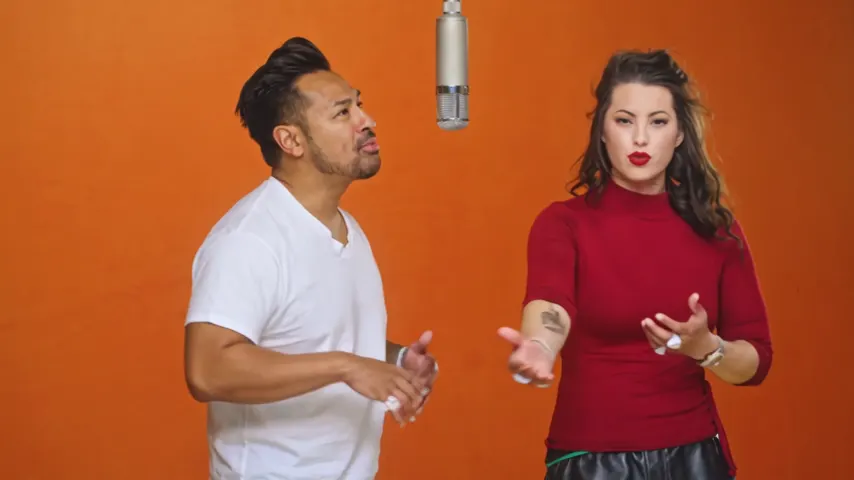
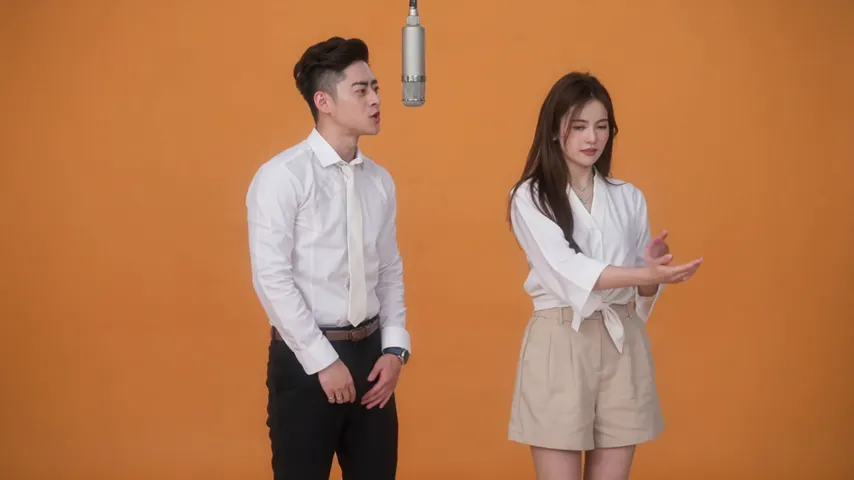
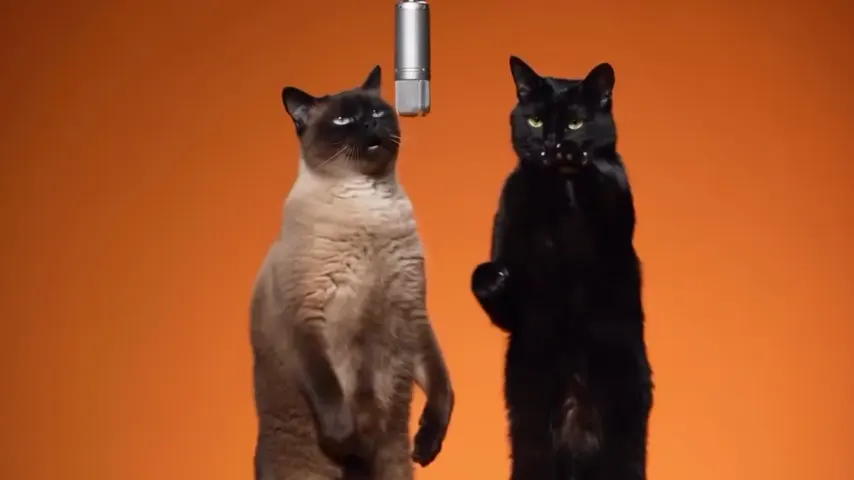
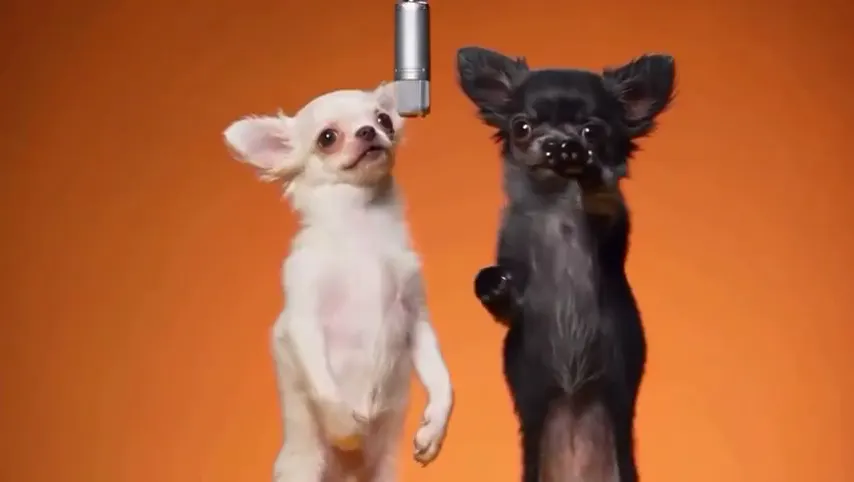
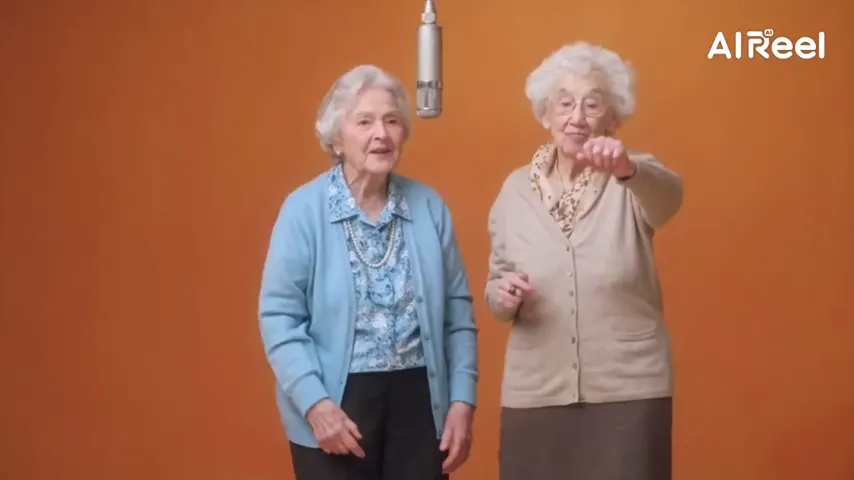
If you want a musical performance instead, open the Hotel Lobby video maker. It places two people in the orange booth with one rapping and one backing them, at 6 credits for 12 seconds on Wan 3.0. For a custom verse, the AI rap generator uses a topic you provide and costs 10 credits for 12 seconds at 720p. That rap flow requires a pair.
Use your own photo, or get clear permission from a friend or family member before making or sharing a clip. Do not submit strangers, celebrities or other public figures.
Our own takes
Two sample renders, with model, length and source shown under each. They demonstrate the workflow, not a promise about how often a take succeeds.
Wan 3.0 · 480p · 10 s · 16:9
Wan 3.0 · 720p · 12 s · 16:9
Around the web
These clips show the format. Other people made them with other tools, and each one is credited and linked to its post. They are not output from Hotel Lobby Video.
A clear portrait is enough for a solo preset. Earth Zoom Out is preselected here; choose another scene if that is not the look you want, then review the price and create the MP4.
No. A 5-second 720p effect costs 4 credits, and this product has no free render. Credit packs start at 10 credits for $9.99.
Yes. Open the site in a current mobile browser, choose a picture from your device, and download the resulting MP4.
No. The submitted picture guides the subject, but an AI-generated frame can change small facial, clothing or background details. A clear front-facing photo gives the model a stronger reference.
No. The rap mode is built for two performers. For a solo scene with music, Raindance uses one portrait on a sunset pier.
Select an effect built for two people and add one photo per person or one shared photo. The rap video is another two-person option.
The preset starts at 5 seconds. You can choose another supported length, which changes the credit total. The provider estimates up to about 5 minutes.
Only with that person’s permission. Do not use photos of strangers, celebrities or other public figures.
Try a first scene
Start with one clear photo, choose a preset, and review the credit total before creating.