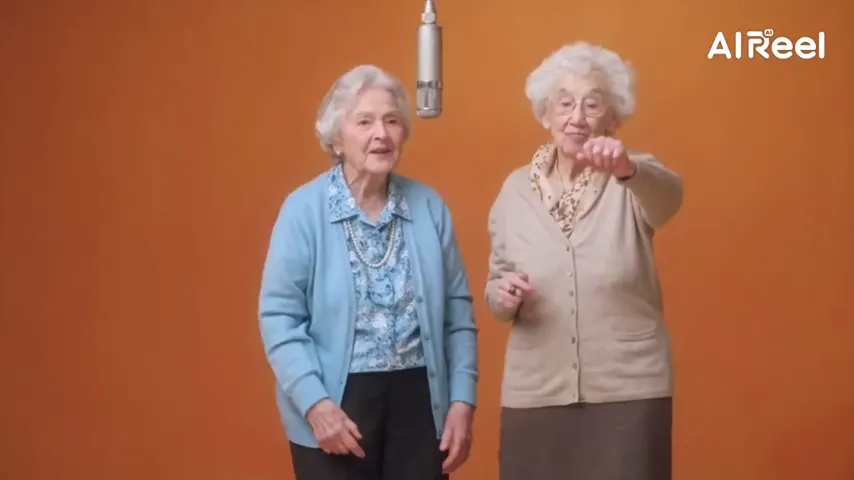
A white border all around
The take is framed like one instant print, with soft, sun-faded color inside.
A note to who you were
Pick a portrait of you now and one from an earlier chapter. The studio turns them into a few seconds of instant film: the two of you side by side, a turn, and a hug that lasts.
Your picture
A single picture works: just you, or the pair of you.
Effect
Polaroid Hug needs two people: add a partner picture, or switch to one shared shot.
Take
Price: 4 credits. Done in roughly 2 to 5 min; if it fails, the credits come back. See prices
A hug your younger self AI video is a short clip where the person you are now embraces an earlier version of you. On Hotel Lobby Video you upload two portraits, keep the Polaroid Hug effect, and Seedance 2.0 Mini renders the pair inside a white-bordered instant photo in a curtained, daylit room: they face the lens, turn, hug with eyes closed and finish looking out together. A 5 second take at 720p is 4 credits, the provider estimates up to about 5 minutes, and failed takes are refunded on their own. The scene is invented. We have only tried it with two adult faces, so a childhood picture is not something we can vouch for yet.
Last revised
Why people make it
The appeal is a small act of kindness across time. Someone who just finished a degree pairs their graduation portrait with their first-day-of-college selfie. A new dad pairs a photo from last week with one from his twenties. A runner puts her race-day picture next to the one from before she started. The second face does not have to be a child: any earlier you counts.
The look borrows from instant film. A white border wraps the whole picture, and inside it sits a bright room with gauzy curtains and washed-out, warm color. The two figures begin shoulder to shoulder, facing you. Then they turn, close their eyes, hold each other for most of the clip, and end the take still embracing while they glance back at the lens. A tinkling music-box line rides on top of quiet piano, and nobody speaks. The model is asked to carry over each face, haircut and set of clothes from its own portrait.
Nothing here ages or de-ages a face. Each person looks like their photo, so the gap between the two portraits is the whole story.
Three steps

Chest up or waist up, face toward the camera, in even light. A recent phone shot is fine.
Choose the one where the face is biggest and sharpest. Read the childhood note below before you use a kid photo.
It opens on Seedance 2.0 Mini, 720p, 5 seconds, 9:16. The provider estimates up to about 5 minutes; the MP4 then waits in My videos.
In the clip
The take is framed like one instant print, with soft, sun-faded color inside.

Shoulder to shoulder, a turn, eyes closed, then a last look out at you.

Each face, haircut and outfit is taken from its own photo; the room is new.

A light music-box melody sits on soft piano. You can add narration later in an editor.
Our sample take paired two grown men, one older and one younger. We have not run a child’s portrait next to an adult’s, so we do not know how height, proportions or a small face will turn out. The effect does not change anyone’s age; it tries to match each photo as it is.
If you want to try a school picture or a baby photo, shoot the print flat by a window, no flash, and crop so the face fills a good part of the frame. That is ordinary photo sense, not a tested result. A take that fails is refunded; a finished take you are unhappy with is not (see the refund policy).
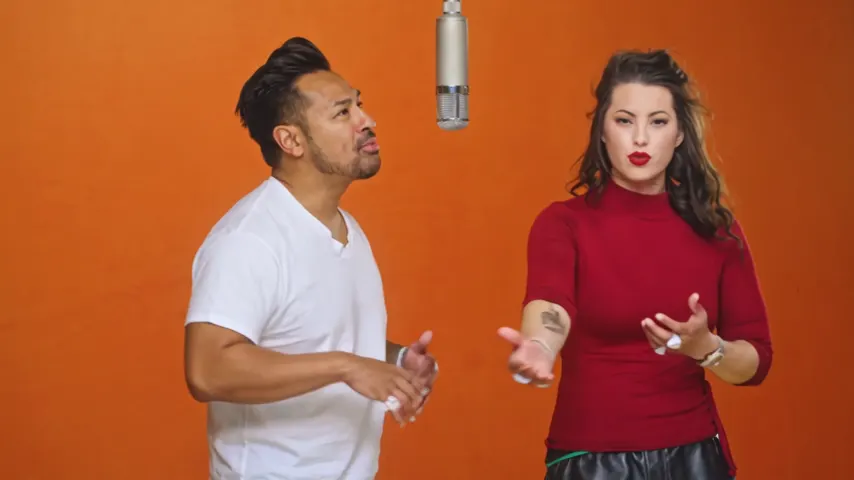
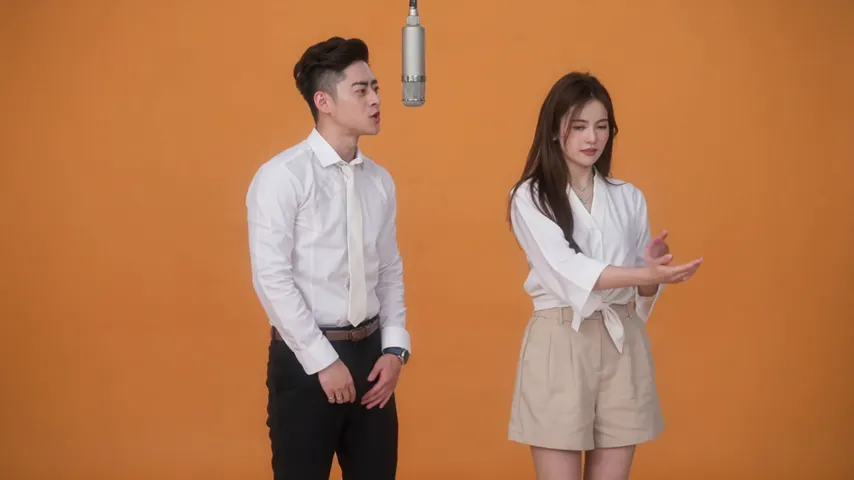
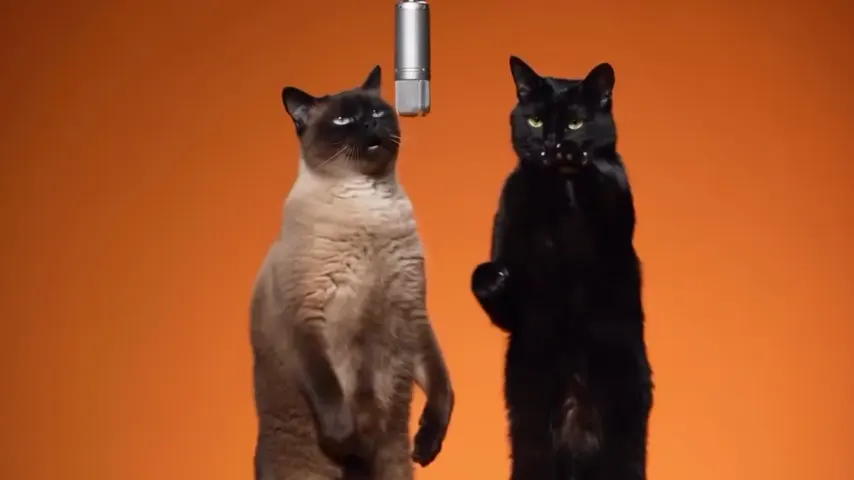
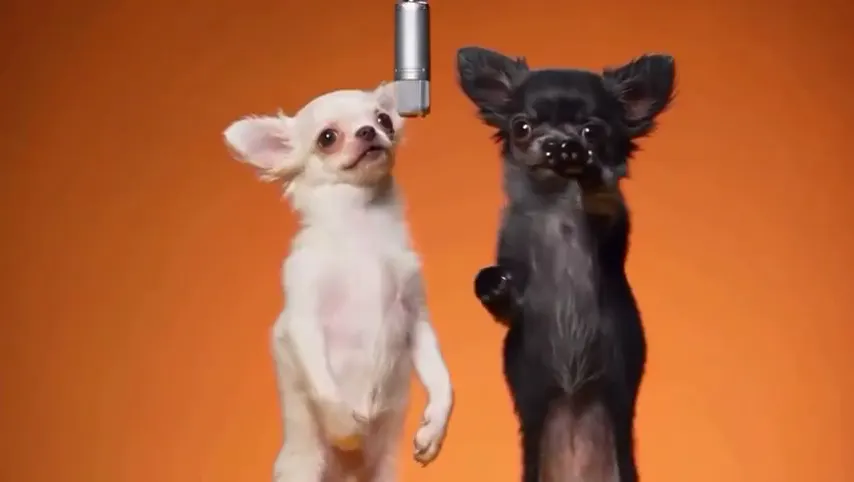
The same effect frames any pair, from two portraits or one picture of both of them:
The default 9:16 shape fits Reels, TikTok and Stories. For a square grid post or a laptop screen, switch the format before you tap Create; 16:9, 9:16, 1:1, 4:3, 3:4 or 21:9 all cost the same. Want a plain daylight hug without the border? Use the AI hug generator. Missing someone who has died? The memorial hug video page is written for that. To make a single old picture move on its own, see old photo to video.
Our own takes
Two sample renders, with model, length and source shown under each. They demonstrate the workflow, not a promise about how often a take succeeds.
Wan 3.0 · 480p · 10 s · 16:9
Wan 3.0 · 720p · 12 s · 16:9
Around the web
These clips show the format. Other people made them with other tools, and each one is credited and linked to its post. They are not output from Hotel Lobby Video.
A short clip where your current self and an earlier version of you embrace. Here it is staged inside a white instant-film border, made from two portraits you upload.
No. It does not age or de-age anyone. Each person looks like the portrait you gave it, so upload a photo that already shows the younger you.
Take it out if you can, lay it flat near a window and photograph it straight from above without flash. Crop close to the face. Old prints are untested here, so the result is not guaranteed.
You can upload one, but we have only tested two adults. We cannot say how a small child next to an adult will look, so treat the first take as an experiment.
Yes. It runs in your phone’s browser with no app, and there is no subscription requirement: buy a one-time pack, starting at 10 credits for $9.99, and one 5 second take at 720p uses 4 credits.
Not inside the take, which comes with its own music box and piano. Record a voice note and lay it over the MP4 in CapCut, iMovie or the app you post to.
Yes. Choose the Hug effect instead; the AI hug generator page shows how it looks.
The provider estimates up to about 5 minutes for Seedance 2.0 Mini. You can leave the page; the finished MP4 is saved in My videos.
No. 5 seconds at 720p costs 4 credits, and longer takes cost more. You pay in credits at the moment you press create. The entry pack is 10 credits for $9.99, and a take that fails puts its credits back in your balance by itself.
Now meets then
Two portraits, one instant-film embrace. You see the credit cost before you tap Create.