Presets instead of prompt writing
28 photo effects are ready to choose, plus the separate two-person rap mode.
Photo in, short clip out
Choose a scene before you reach for a template. Add a clear selfie for a solo effect, or two photos when the scene needs a pair. Create the MP4 in your browser, then choose a sound inside TikTok when you post.
Your picture
A single picture works: just you, or the pair of you.
Effect
Take
Price: 4 credits. Done in roughly 2 to 5 min; if it fails, the credits come back. See prices
To make a TikTok AI trend video here, choose an effect, add one clear photo (or two for a pair), and create an MP4 in your phone browser. The effect preset is 9:16; a 5-second Seedance 2.0 Mini clip at 720p costs 4 credits, with a provider estimate of up to about 5 minutes. Effects arrive with their own generated sound. After downloading, upload the file to TikTok and select a track from TikTok’s sound library if you want a platform song. The separate Hotel Lobby rap video features two people and costs 6 credits for 12 seconds on Wan 3.0.
Last revised
Pick a format first
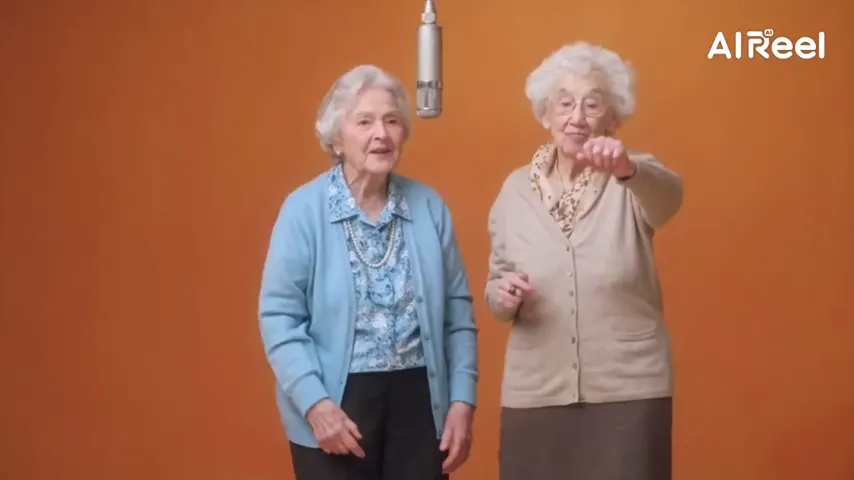
The familiar format is simple: keep the setup recognizable and let the subject change. A portrait can become a wide camera pullback, a dance-floor entrance or a duet under one microphone. The source photo supplies the people; each preset supplies the action and framing.
This page groups several formats in one browser studio. Select an effect when you want its built-in scene, or switch to the Rap video tab for a two-person performance. There is no prompt box to write for an effect. The selected preset is Raindance, and the create button shows the current price before a render starts.
Make, save, post
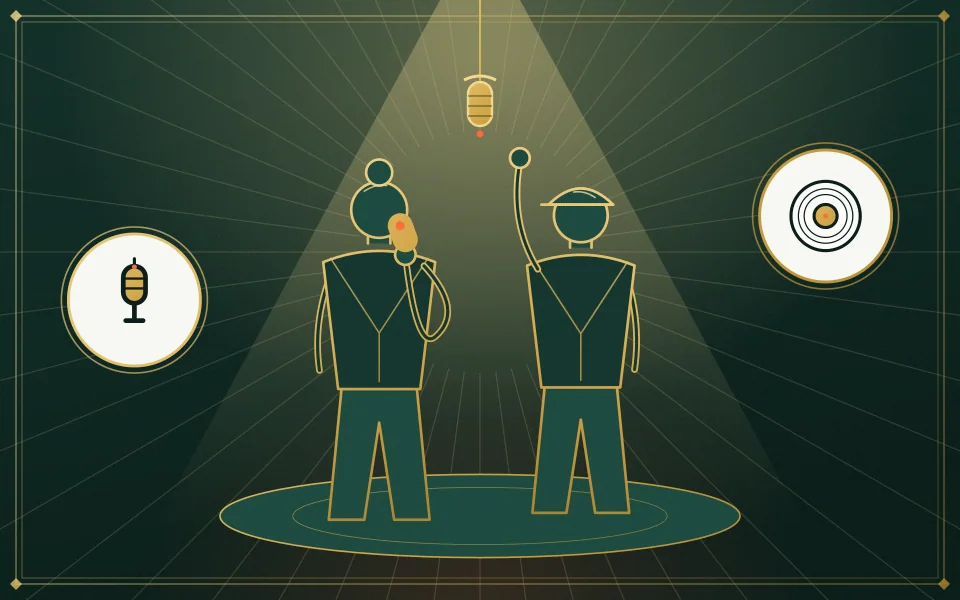
Use a well-lit, front-facing portrait. If the preset needs two people, upload one photo for each or a shared photo.
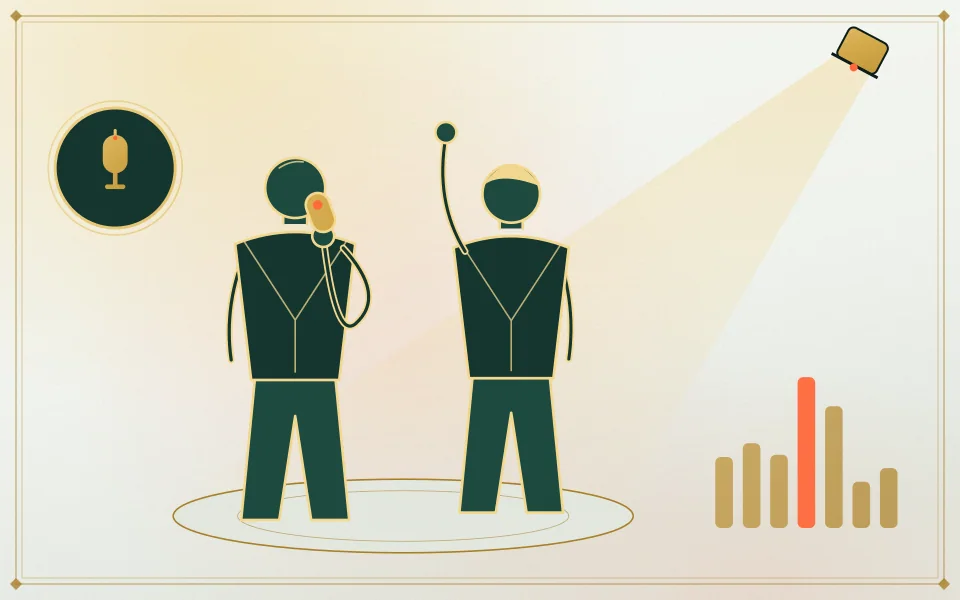
Keep 9:16 for a full-screen TikTok post or change the frame. Review the credit total on the create button first.
Save the finished MP4 to your phone, upload it in TikTok, and add a platform sound from its sound library if needed.
What this page covers
28 photo effects are ready to choose, plus the separate two-person rap mode.
Open the page in Safari, Chrome or another modern browser and add a photo from your camera roll.
The preset animates the submitted photo. Use only pictures you own or have permission to use.
The smallest credit pack is 10 credits for $9.99. A render uses credits; failed renders are refunded automatically.
| Trend | What happens | Photos | Sound in the clip |
|---|---|---|---|
| Raindance | A slow vocal scene on a pier at sunset | One or two people | Preset soundtrack; add the song separately in TikTok |
| Gas station | A portrait opens into a night-time forecourt dance | One or two; full-length input helps | Generated beat |
| AI zombie | One person changes while the other stays close | Two people | Cinematic score |
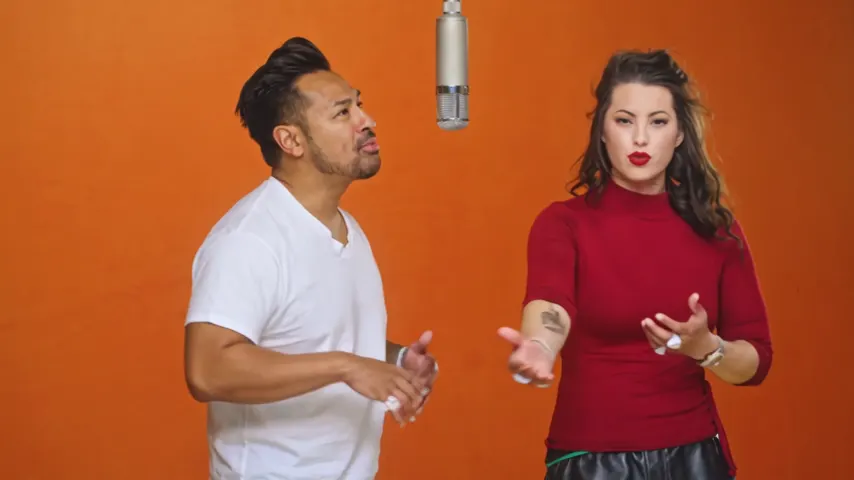
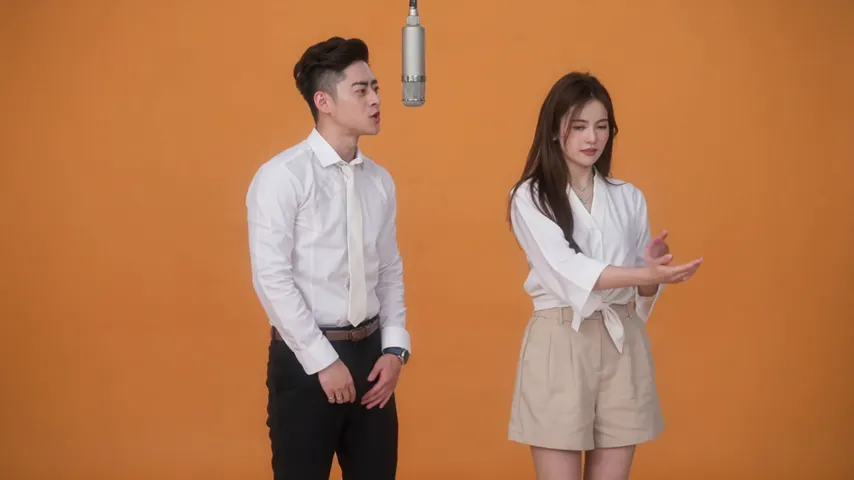
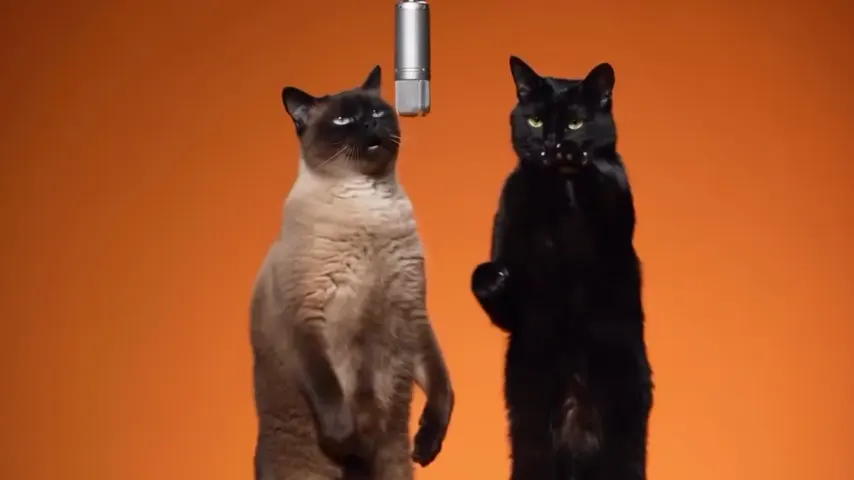
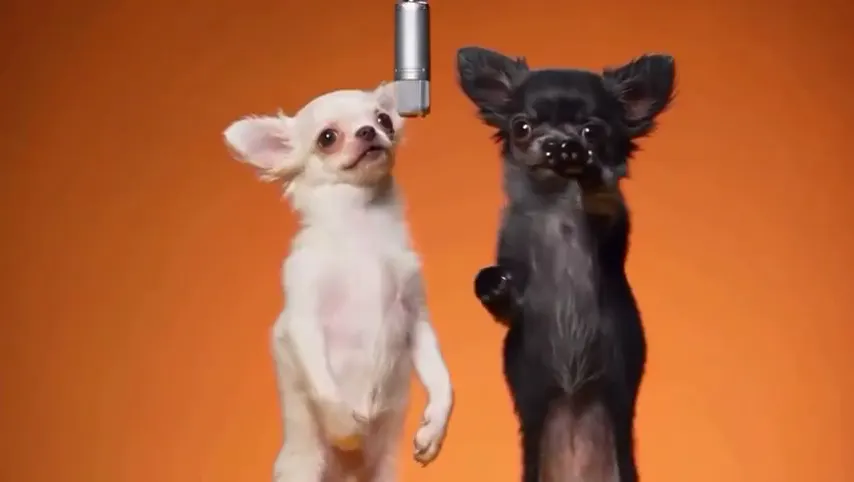
| Hotel Lobby | A two-person rap performance at a shared mic | Two people | Hotel Lobby track in the generated rap video |
| AI hug | Two people meet and share a quiet embrace | Two people | Ambient scene audio |
| Earth zoom out | The camera pulls back from the portrait toward orbit | One or two people | Ambient scene audio |
| Halloween costume | A portrait gets a themed outfit change | One or two people | Generated music |
| AI dance | A full-body pose becomes a choreographed scene | One or two; full-length input helps | Generated dance track |
| Bald filter | A quick hair change with a playful reveal | One or two people | Short effect sound |
| 80s | A portrait styled as vintage camcorder footage | One or two people | Generated synth track |
| Hug your younger self | Two versions of a person meet in a framed scene | Two photos | Music-box style tune |
The listed photo effects use Seedance 2.0 Mini. A standard 5-second 720p take is 4 credits; the available choices and total can change with the settings. Hotel Lobby is a separate rap video on Wan 3.0 at 6 credits for 12 seconds. Compare every preset on AI video effects, or see the AI hug page for a memorial scene.
Our own takes
Two sample renders, with model, length and source shown under each. They demonstrate the workflow, not a promise about how often a take succeeds.
Wan 3.0 · 480p · 10 s · 16:9
Wan 3.0 · 720p · 12 s · 16:9
Around the web
These clips show the format. Other people made them with other tools, and each one is credited and linked to its post. They are not output from Hotel Lobby Video.
Before you upload
Need a hand? Write to us or check the prices.
Choose a preset, add the required portrait or portraits, check the credit cost, and create. Save the MP4, then upload it through TikTok.
No. The scene is built into the selected effect. You can generate the video in a mobile browser and add TikTok audio after exporting.
Yes, if that sound is available to your account and region. Add it in TikTok after uploading the MP4. Effect audio is already in the generated clip.
Safari saves the MP4 in Files under Downloads. From there, touch and hold the file, tap Share, then Save Video to move it into Photos.
Yes. Use a two-person effect, upload one portrait per person or a shared photo, and make sure both people consent to the video.
A 5-second effect at 720p costs 4 credits on Seedance 2.0 Mini. Longer or higher-resolution settings change the total, shown before you create. You pay in credits at the moment you press create. The entry pack is 10 credits for $9.99, and a take that fails puts its credits back in your balance by itself.
The Seedance provider estimates up to about 5 minutes for an effect. The Hotel Lobby rap flow usually takes about 5 to 15 minutes. Find completed videos in My videos if you leave the page.
Ready to try a scene?
Choose a preset, review its price, and save the MP4 before you add a platform sound.