Any shared photo
A party snap, a road-trip selfie or a wedding portrait is enough. You do not need separate shots of each person.
One shot, two performers
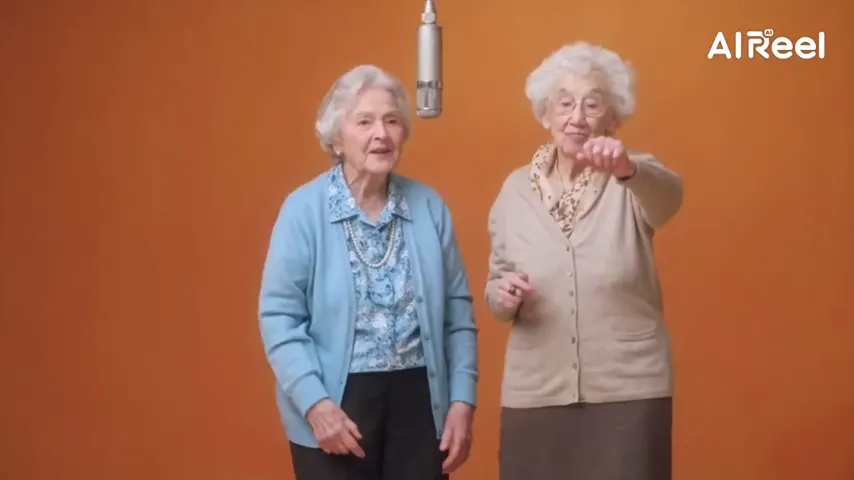
Hotel Lobby AI with one photo of two people works when you switch to One photo. Upload the shot of you both: whoever stands on the left takes the verse at the single mic, whoever stands on the right does the ad-libs, and each keeps their own face.
One picture of the pair
Left person sings lead, right person backs up.
The pair next to each other in a single picture, faces in view. Left takes the lead voice, right does backup.
Set
Take and sound
Price: 6 credits. Done in roughly 5 to 15 min; if it fails, the credits come back. See prices
Yes. Hotel Lobby Video (hotel-lobby-video.app) makes a Hotel Lobby AI video from one photo of two people. Set the photos to One photo and upload the picture of you both: the person on the left raps, the person on the right reacts. The picture is first split into two full-length studio portraits, one per person, so faces and outfits are kept; in our paid test on October 6, 2026 both people stayed recognisable for all 12 seconds, close-ups included. 12 seconds at 480p is 6 credits, packs start at 10 credits for $9.99 with no subscription or free preview, the original Hotel Lobby song is in the MP4, and most takes arrive in about 5 to 15 minutes.
Last revised
Under the hood
With One photo selected, Wan 3.0 does not feed your picture straight to the video model. It first draws two full-length studio portraits from it, the person on the left and the person on the right, each told to keep the face, age, hair and clothes. The take is built from those portraits, which is why left stays left and right stays right. If a portrait is not ready within 5 minutes, the photo itself is used.
Both faces need to be clear and not tiny. A shot where you stand or sit next to each other is ideal: a wedding photo, a holiday selfie, a graduation picture. Use a picture with exactly two people, because only two performers fit on the set.
Across the trend, tools take their two performers either as two separate photos or as one shared photo. Some only accept two photos; others take one picture but treat it as a single performer. Hotel Lobby Video handles both: two portraits, or one shot of you together via the One photo option.
On October 6, 2026 we paid for one take: a photo of a woman and a man standing side by side in a dance studio, Wan 3.0, 480p, 16:9, 12 seconds. The two portraits matched the photo (woman left, man right, same faces and outfits), and in the take both stayed themselves for all 12 seconds, close-ups included, with the original Hotel Lobby song underneath. One test is not a guarantee: small or partly hidden faces, and vertical takes from one photo, are still untested.
Session plan
The studio on this page opens in One photo mode, so you get a single upload slot for the picture of you both.
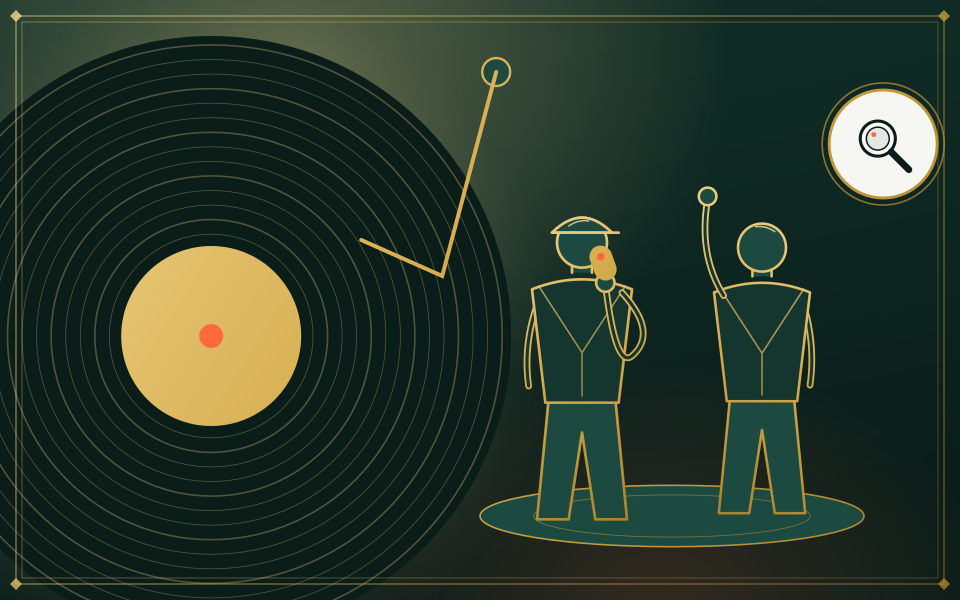
Both faces clear and uncovered. Whoever is on the left will rap; whoever is on the right will react.
12 seconds at 480p is 6 credits, exactly what two separate photos cost. The MP4 has no watermark.
In the studio
A party snap, a road-trip selfie or a wedding portrait is enough. You do not need separate shots of each person.
Before the take is generated, the photo is split into a full-length studio portrait of each person.
The person on the left of your photo becomes the front voice; the person on the right becomes the sidekick.
The default setting keeps the original Hotel Lobby track in the MP4. See the original song.
| One photo (One photo option) | Two photos | |
|---|---|---|
| You upload | A single picture of you both | A separate picture of each person |
| The verse goes to | Whoever is on the left of the photo | Whoever is in the left slot |
| First processing step | Split into a portrait per person | A portrait drawn from each photo |
Either route ends in the same take at the same price. If you have time to get two good portraits, you control who raps more easily; if you only have the one picture, One photo is made for it. More photo advice in photo tips for Hotel Lobby AI.
Our own takes
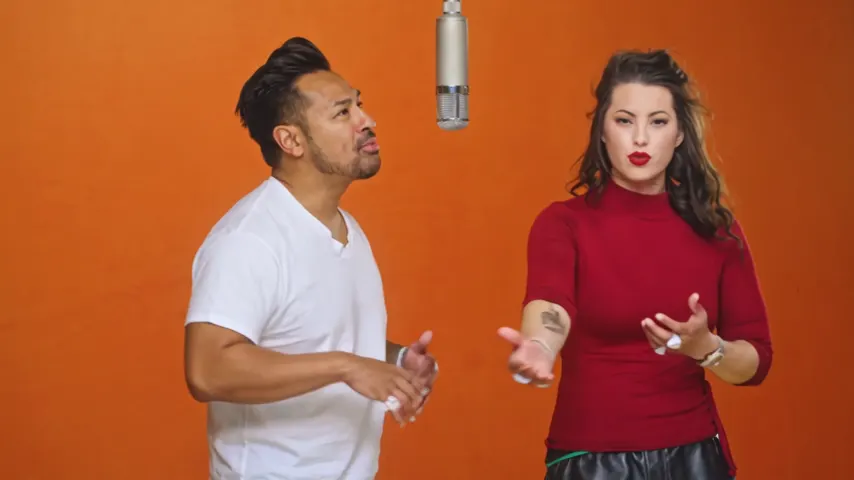
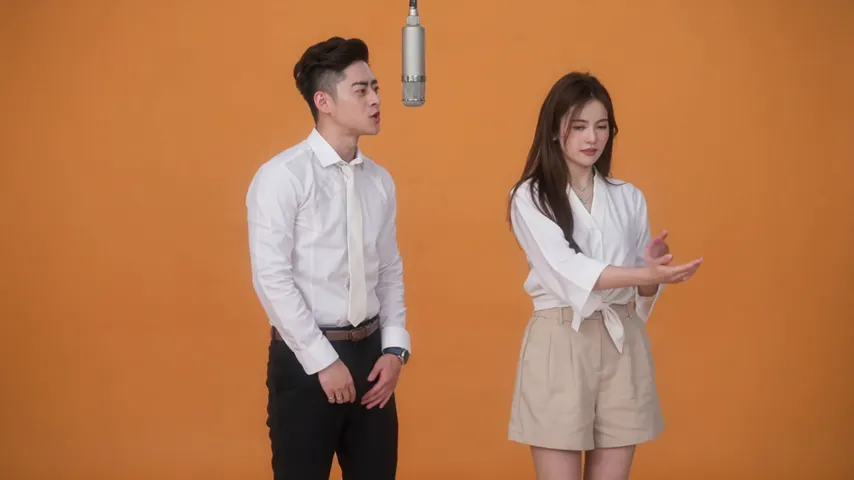
Two sample renders, with model, length and source shown under each. They demonstrate the workflow, not a promise about how often a take succeeds.
Wan 3.0 · 480p · 10 s · 16:9
Wan 3.0 · 720p · 12 s · 16:9
Around the web
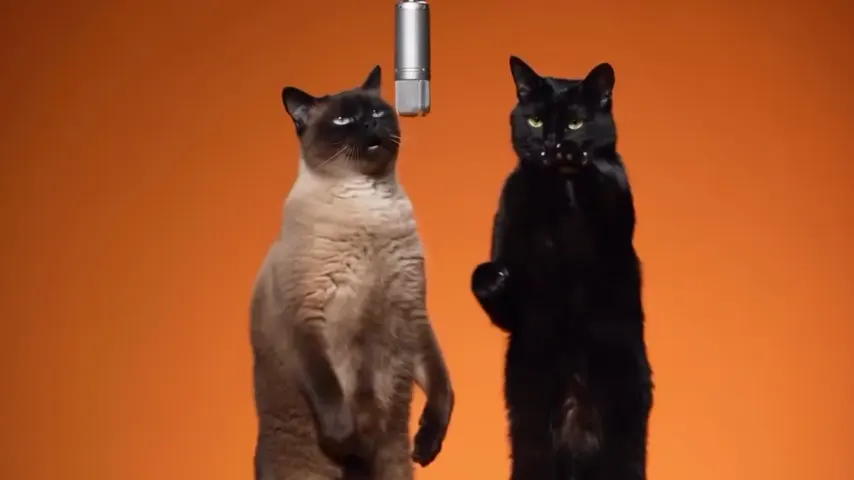
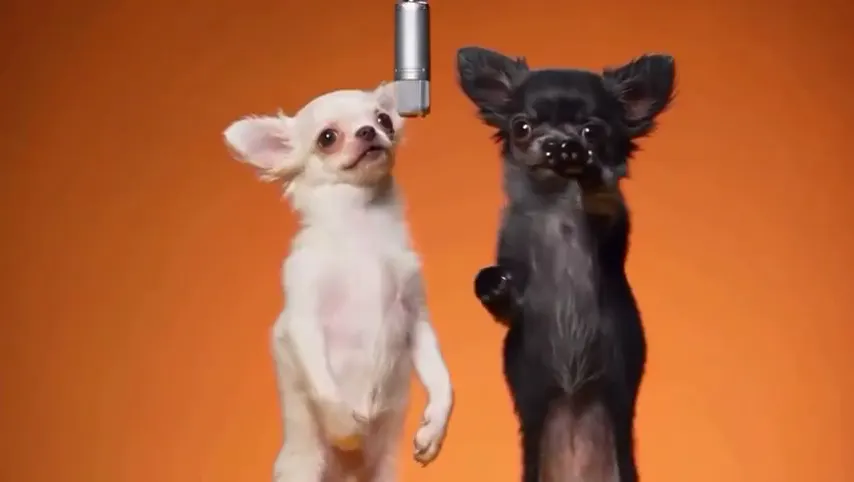
These clips show the format. Other people made them with other tools, and each one is credited and linked to its post. They are not output from Hotel Lobby Video.
Yes. Choose One photo, upload the picture from your camera roll and pay per take with credits: 6 credits for 12 seconds, packs from 10 credits for $9.99. No subscription needed.
Hotel Lobby Video (hotel-lobby-video.app): set the photos to One photo and upload the shot of you both. It is split into a portrait of each person, so both of you appear on the set.
The person on the left of the photo raps; the person on the right reacts. To switch, use a photo where you stand the other way round, or two separate portraits.
In our paid test both people kept their faces and outfits through the whole take, close-ups included. It is not guaranteed for every photo; clear, front-on faces give the closest likeness.
Use a photo with exactly two people. The portrait step looks for one person on the left and one on the right; with more people the result is unpredictable. Crop the photo first if you can.
No, but both faces must be clear and large enough. Standing side by side worked in our test.
Neither. It costs the same: 3, 4, 5, 6 or 7 credits for 5, 8, 10, 12 or 15 seconds at 480p. Drawing the two portraits costs you nothing extra.
No. Each take is paid in credits when you create it; the smallest pack is 10 credits for $9.99, and a failed take is refunded automatically. Takes usually arrive in about 5 to 15 minutes, and you can close the tab and find yours in My videos.
One shot, two voices
One picture of you both, the default setting, and an MP4 with the original song.