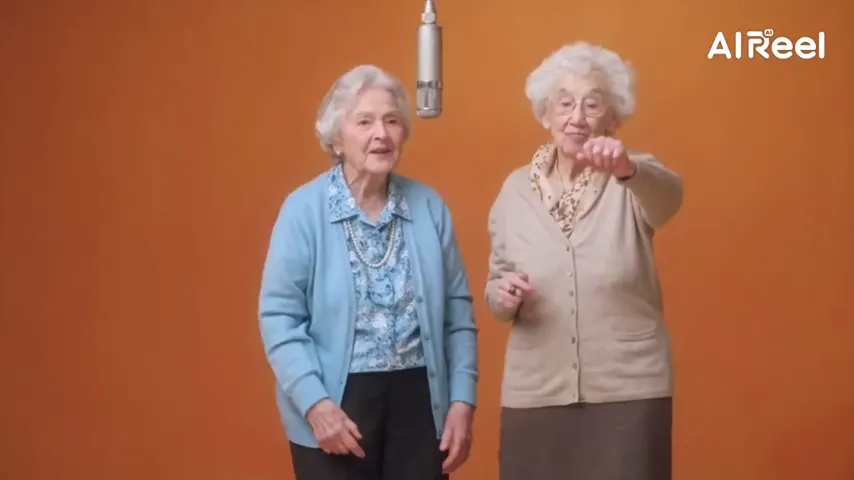
Camcorder color
Warm, washed-out tones, soft focus, a little grain and darker corners.
Rewind to 1985
An 80s AI video answers the question “what would I have looked like in 1985?” with a moving clip instead of a still: grainy home-movie colors, big hair, a windbreaker or a denim jacket, a sunny street, and you waving at the camcorder. Add your picture, or one of each person. 4 credits a take.
Your picture
A single picture works: just you, or the pair of you.
Effect
Take
Price: 4 credits. Done in roughly 2 to 5 min; if it fails, the credits come back. See prices
An 80s AI video on Hotel Lobby Video takes a picture of you today and returns a short camcorder clip that looks like a family tape from around 1985: soft, faded colors, big 80s hair and clothes, a sunny suburb, a wave and a few dance steps to an original synth-pop tune. Add one picture, or one per person, and the 80s Home Video effect renders it on Seedance 2.0 Mini for 4 credits per 5 second take at 720p, ready in up to about 5 minutes by our provider’s estimate, with a refund if it fails. The hair, clothes and setting are invented around your face, and nothing is written on screen, not even a date stamp.
Last revised
The idea
Most 80s AI makeovers stop at a picture: you with a perm and shoulder pads, frozen in place. The appeal of the video version is that it feels like footage someone actually found in a shoebox, a few seconds of an old home movie that just happens to star you.
On Hotel Lobby Video that home movie is one effect. The face comes from your picture; everything else is the AI’s idea of the decade: big hair, a neon windbreaker or a denim jacket, a street with autumn trees and an old station wagon parked nearby. You wave, laugh, try a few dance steps and lean toward the lens. In our 5 second test take the 80s look was there from frame one, and the tape grain stayed subtle.
Three moves
Face easy to see, from the waist up or full length. Two people: a picture each, or one shared picture.
The studio opens at 5 seconds, 720p, vertical, on Seedance 2.0 Mini. Any change shows its new price first.
Our provider estimates up to about 5 minutes. Save the MP4 and add the year as a caption when you post.
On the tape
Warm, washed-out tones, soft focus, a little grain and darker corners.
Big hair and period clothes invented around your face. The AI chooses the style.
Sunlight, autumn leaves and a boxy station wagon down the block.
An original 80s-style song, slightly muffled like a worn tape, no vocals.
| Part of the clip | Source |
|---|---|
| Your face | Taken from your picture |
| Hair and outfit | Invented: a period style, not your own |
| Location | Invented: a sunny suburb, not the background of your picture |
| Audio | An original synth-pop tune made with the clip |
| On-screen text | None: no date stamp, no REC light, no captions |
Our own takes
Two sample renders, with model, length and source shown under each. They demonstrate the workflow, not a promise about how often a take succeeds.
Wan 3.0 · 480p · 10 s · 16:9
Wan 3.0 · 720p · 12 s · 16:9
Around the web
These clips show the format. Other people made them with other tools, and each one is credited and linked to its post. They are not output from Hotel Lobby Video.
People use AI to see themselves as they might have looked in the 1980s: big hair, neon jackets, denim, faded film color. Here you get it as a short camcorder-style video made from your own picture.
Yes, with his okay. Add a clear picture of him, keep 80s Home Video on and press create. He shows up on a sunny 1985 street with period hair and clothes; the face comes from the picture, the rest is invented.
Two of you can. Add a picture each, or one shared picture, and you appear together. Our own demo was made from two pictures of two adults.
No. It is an AI effect: you add a picture and get an MP4 back. It runs in a phone or desktop browser with nothing to install.
No. The scene forbids text on screen. Add the date yourself as text when you post.
Untested. The effect keeps only the face and invents new hair and clothes, so it restyles an old picture the same way it restyles a new one. To animate an old picture as it is, try animate an old photo.
No. The AI picks the period style, such as a neon windbreaker, a denim jacket or a bright track jacket. Another take gives another look, and each take costs credits.
No. A chatbot prompt gets you a still picture. Here the setting, the tape look and the music are built in, so you add a picture and get a moving clip. See can ChatGPT make videos.
4 credits for 5 seconds at 720p; longer or sharper takes cost more and show the price on the button. You pay in credits at the moment you press create. The entry pack is 10 credits for $9.99, and a take that fails puts its credits back in your balance by itself.
Press play
One picture, a camcorder look and a synth-pop tune. The cost is on the button before you create.